
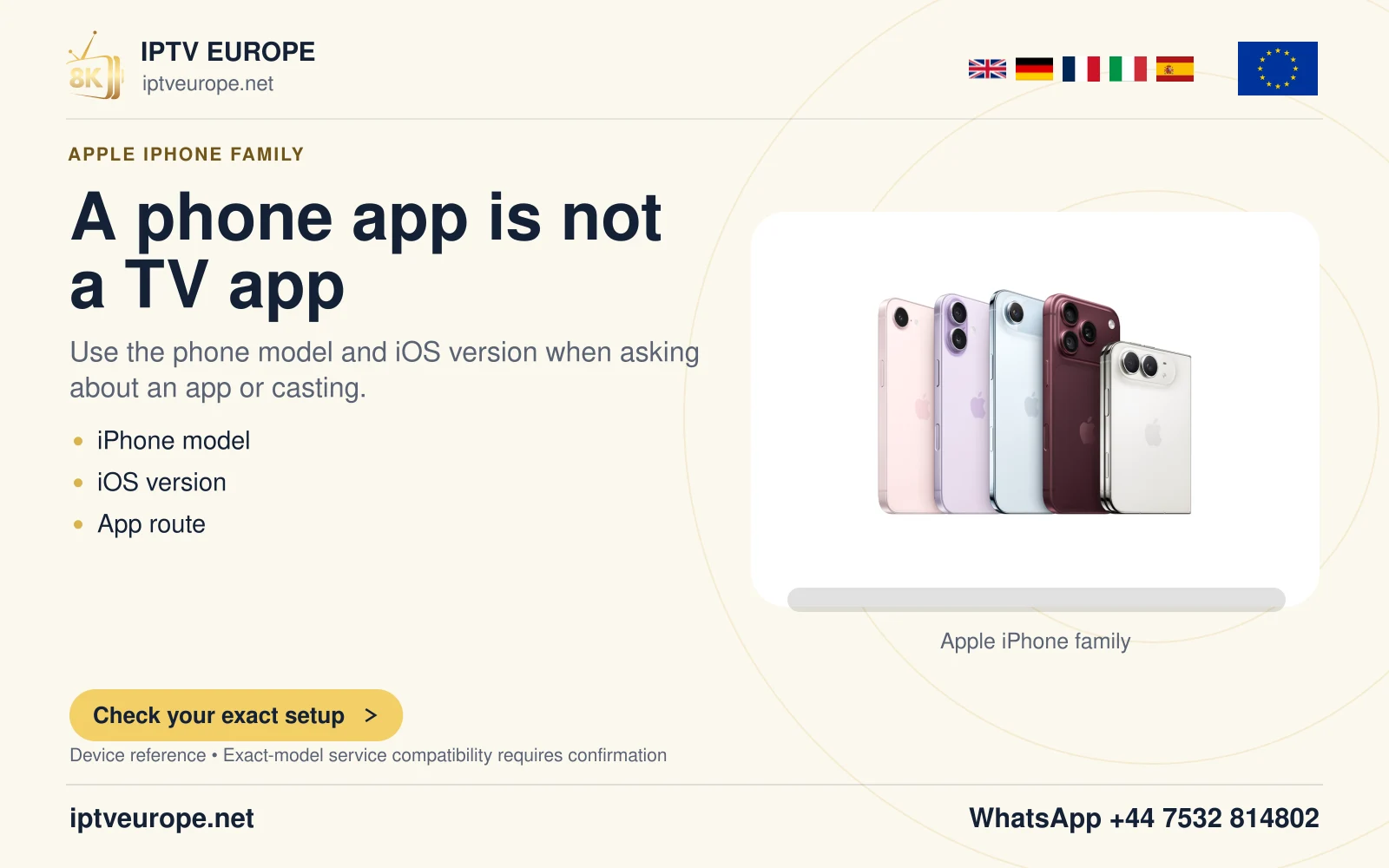
The connector is insufficient evidence
Apple’s current USB-C guidance lists the iPhones that support external-display output and excludes models such as iPhone 16e and 17e. That is a concrete reason to check the model rather than buying from the connector alone.
A charging cable working normally does not resolve that hardware distinction. Likewise, a demonstration using an iPhone 15 does not prove another USB-C iPhone shares its display capability. Read the model name in Settings and compare it with Apple’s supported list.
Avoid buying the wrong solution
If the model supports video, review the cable or adapter’s output requirements and the television’s input. If it does not, a more expensive passive cable cannot create the absent documented feature. Consider a supported AirPlay route where the receiving display and application permit it.
Keep the intended task explicit. Sharing photographs, mirroring an interface and playing a particular protected video are separate compatibility questions. A supported physical connection settles only part of the viewing plan.
Use a small pre-purchase record
Write down the iPhone model, desired TV input and intended app. Check those three before choosing accessories. This turns a vague request for a “USB-C TV cable” into a verifiable hardware route.
This page reports the exceptions in Apple’s documentation as checked on the stated date. Recheck that live list when a new iPhone arrives; a connector family should never be used as a permanent substitute for the manufacturer’s model support.
Questions answered
Will an adapter fix a model Apple excludes from wired video?
Do not assume so. Adapter capability cannot establish a phone feature absent from Apple’s support list.
Can unsupported wired output still allow AirPlay?
Apple describes AirPlay as an alternative on relevant models, subject to the receiver and app’s support.
Sources & further reading
Official references for the subjects discussed. Service terms and device software can change.