Fire OS and Vega: identify the Fire TV first
An Android-based Fire OS device needs a player actually offered for its model and store. Confirm the model before following installation instructions.
Read the guide →IPTV Europe
The model and operating system determine the app route. A brand badge alone is not enough.
An Android-based Fire OS device needs a player actually offered for its model and store. Confirm the model before following installation instructions.
Read the guide →Google TV provides a television interface and an app route; install a supported TV player from its real listing and configure the media source separately.
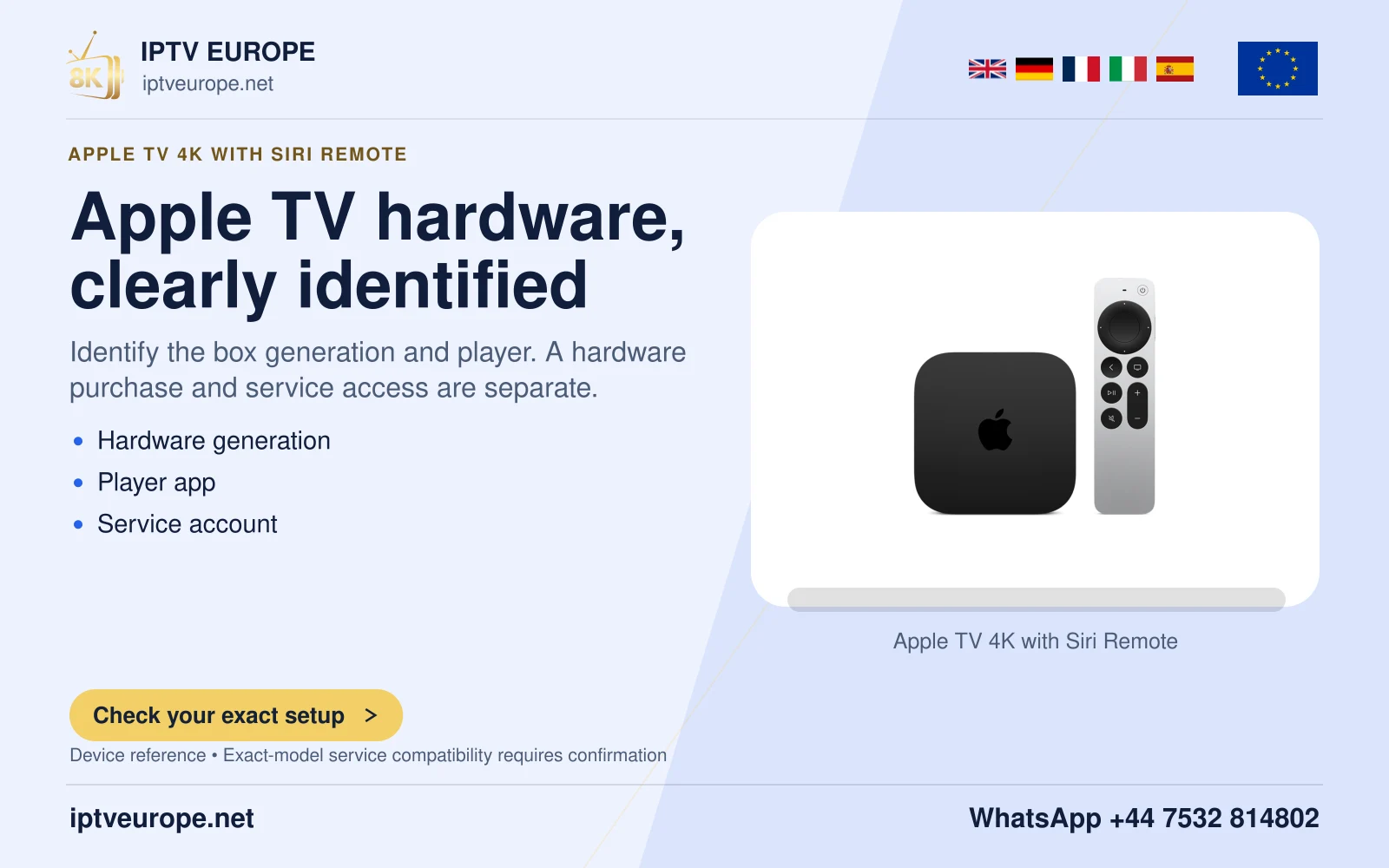
Read the guide →Apple TV 4K uses tvOS and the App Store. It does not use an Android APK. Installing a player and adding a compatible media source are separate tasks.
Read the guide →Samsung TV uses its own TV app store. Check the exact model, region and Tizen/One UI version before following menu instructions.
Read the guide →LG webOS installs TV apps through its store. The route varies by webOS generation; use the real LG Services Country and current listing.
Read the guide →Android TV requires a television-compatible application. The Android name alone does not establish the app, service or remote-control experience.
Read the guide →A desktop media player can open supported network media, but its format and DRM support remain separate from the operating system.
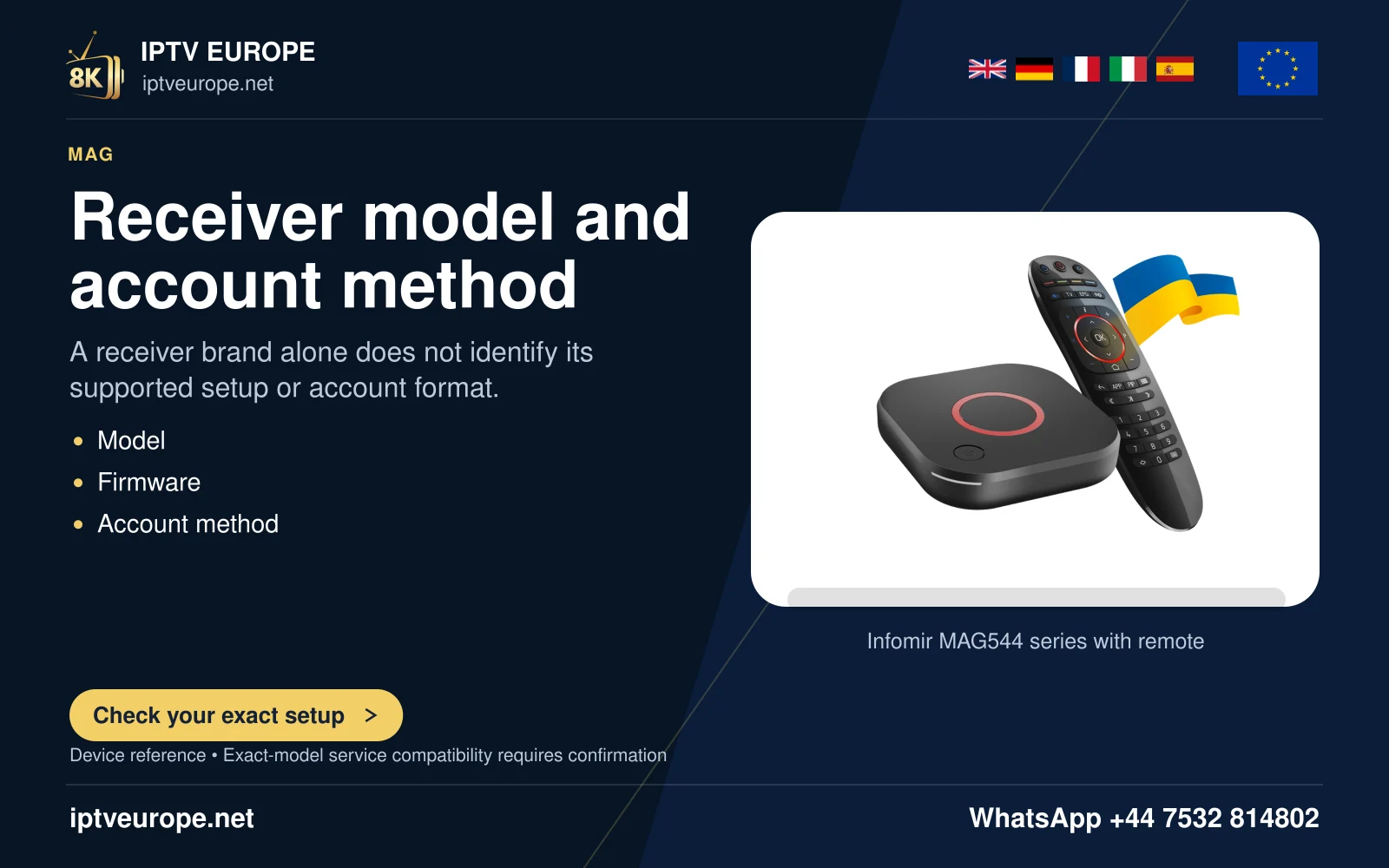
Read the guide →MAG544 is a Linux set-top-box family. Its portal/provisioning workflow differs from Google Play or Android APK installation.
Read the guide →MYTVOnline 3 is Formuler’s media client, not a television subscription. Its availability and version depend on the actual Formuler hardware/software.
Read the guide →Google Cast sends supported media from a sender app or Chrome to a compatible receiver. It does not mean the same application is installed on the receiver.
Read the guide →AirPlay video streaming and Screen Mirroring are different routes. A supported receiver and application are required; some video apps do not permit AirPlay.
Read the guide →Hardware, operating systems, browsers and casting technologies have different roles. Product images identify the recorded family or model and do not establish support for every app.
100 references
No devices match. Reset the filters to see every reference.
Apple Safari is a browser identity; require a genuine service web-player URL and published browser/media support before claiming playback. Browser installation, website sign-in and television casting are separate tasks.
Platform guidance →
Brave is a browser identity; require a genuine service web-player URL and published browser/media support before claiming playback. Browser installation, website sign-in and television casting are separate tasks.
Platform guidance →
Give sender/app/receiver discovery versus playback diagnostics and distinguish Cast from native receiver installation.
Platform guidance →
Google Chrome is a browser identity; require a genuine service web-player URL and published browser/media support before claiming playback. Browser installation, website sign-in and television casting are separate tasks.
Platform guidance →
Mozilla Firefox is a browser identity; require a genuine service web-player URL and published browser/media support before claiming playback. Browser installation, website sign-in and television casting are separate tasks.
Platform guidance →
Opera is a browser identity; require a genuine service web-player URL and published browser/media support before claiming playback. Browser installation, website sign-in and television casting are separate tasks.
Platform guidance →
Provide a Play-support/admin-policy decision before recommending an Android player; artwork is a Chromebook wordmark, not an exact laptop.
Platform guidance →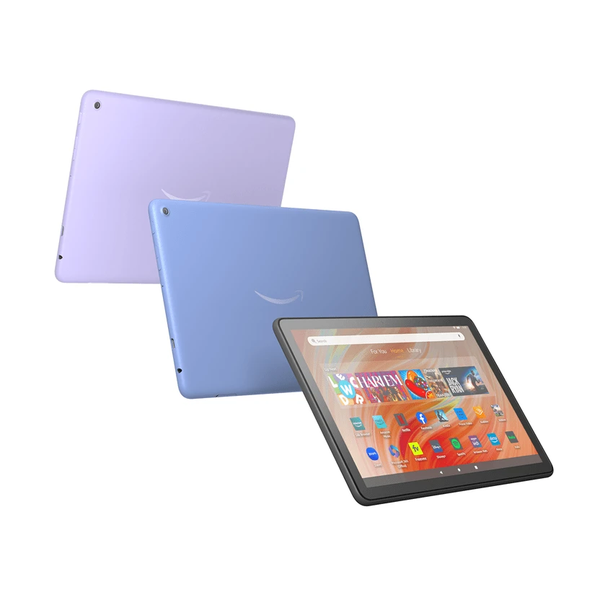
Identify Fire HD 10 2023/13th generation as a tablet, and assess tablet store/touch support rather than Fire TV remote compatibility.
Platform guidance →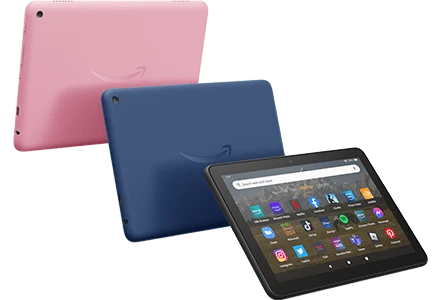
Keep the 2022 Fire HD 8 distinct from the 2024 refresh, despite both catalogue labels using 12th generation; use exact year/model when checking requirements.
Platform guidance →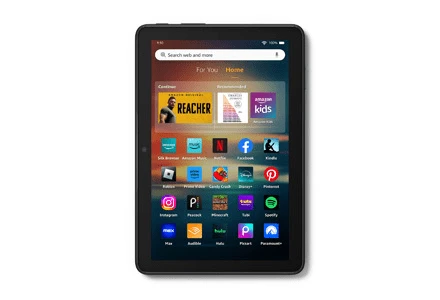
Keep the 2024 Fire HD 8 refresh separate from the 2022 record; the shared generation label does not justify copying hardware/app assumptions.
Platform guidance →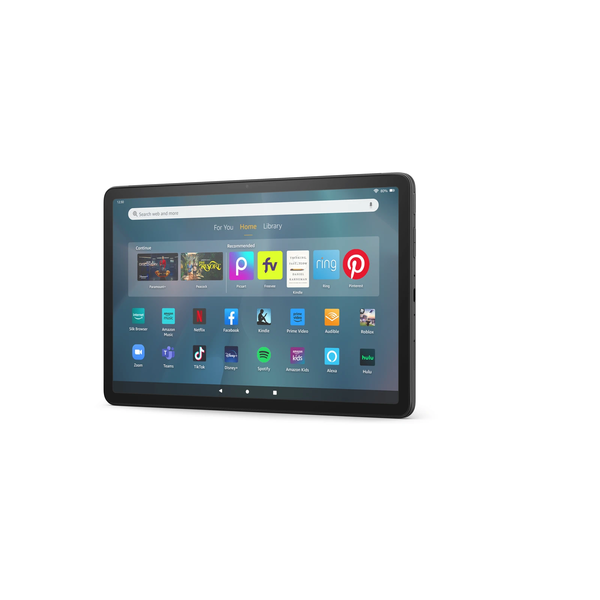
Use Fire Max 11 2023/13th generation tablet identity; avoid transferring Fire HD 10 layout or television app controls.
Platform guidance →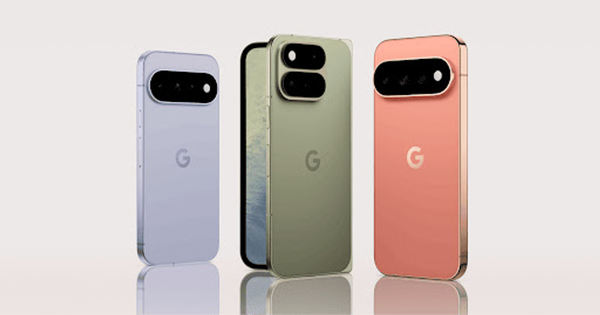
Treat saved Pixel artwork as a phone-family image linked to a Pixel 9 Pro product page, not proof that every pictured or current Pixel has identical media capabilities.
Platform guidance →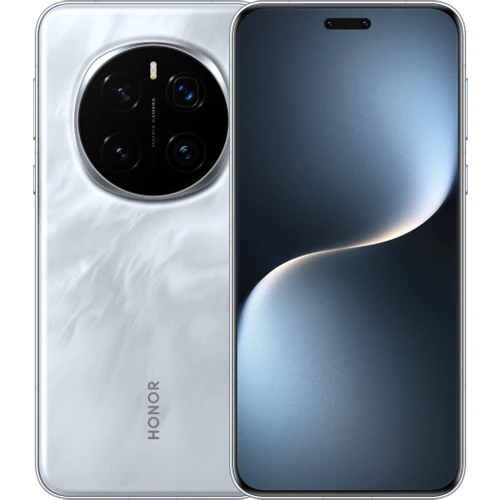
Check Magic7 Pro regional software/store and minimum player OS requirements before promising a specific mobile store route.
Platform guidance →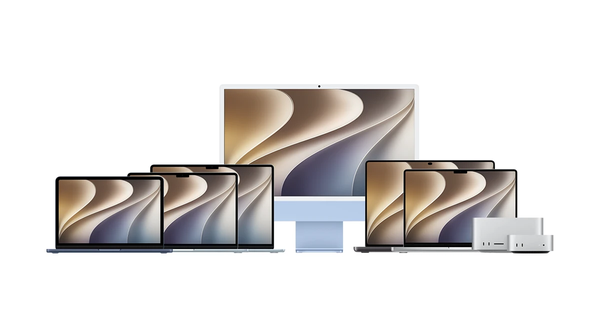
Label the multi-computer composition as Mac-family context rather than an exact Mac Pro photograph; give a Mac desktop player route and architecture check.
Platform guidance →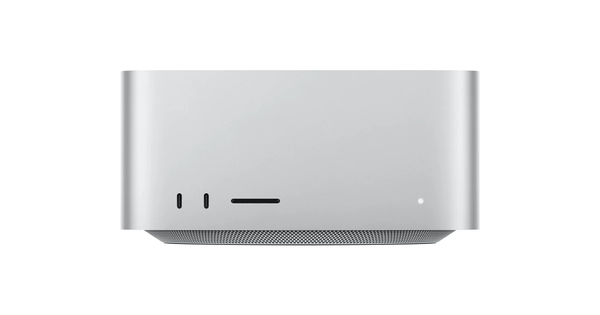
Mac Studio is a desktop host; the viewing display/audio chain is a separate prerequisite. Do not infer an exact chip generation from the saved product image.
Platform guidance →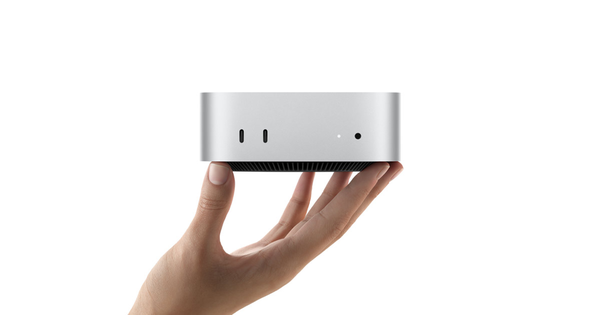
Mac mini requires the chosen display/audio/peripheral setup; use macOS software route rather than Apple TV/tvOS installation. Do not infer exact chip generation.
Platform guidance →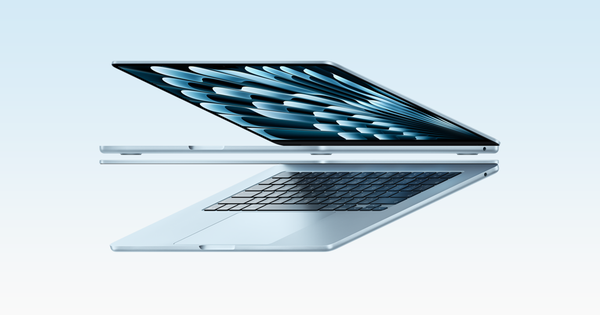
Use the MacBook Air as a macOS laptop viewing scenario with a portable-network test; separate laptop playback from optional TV casting. Generation is not fixed by the saved family name.
Platform guidance →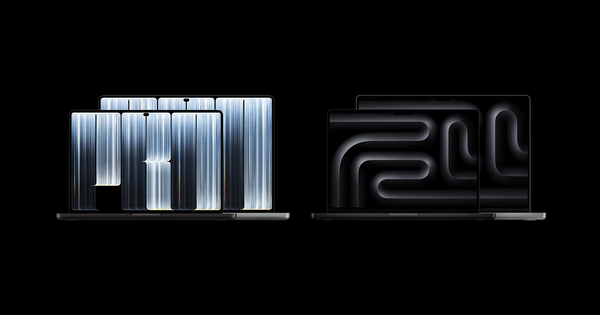
Use macOS player and architecture requirements for MacBook Pro; media-player installation is not a tvOS App Store operation. Do not assert a chip/display spec absent a model year.
Platform guidance →
The source identifies Surface Pro 11th edition and the image is a rear detail. Check installed Windows and processor architecture before choosing a desktop installer; do not claim the rear image demonstrates playback.
Platform guidance →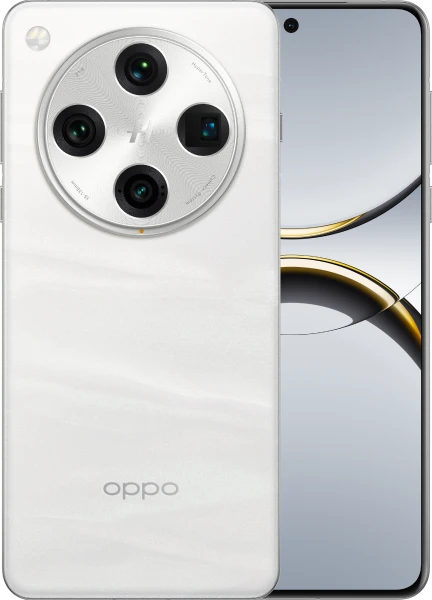
Use the exact Find X8 Pro mobile identity and regional software, rather than assigning all OPPO phones the same television/casting route.
Platform guidance →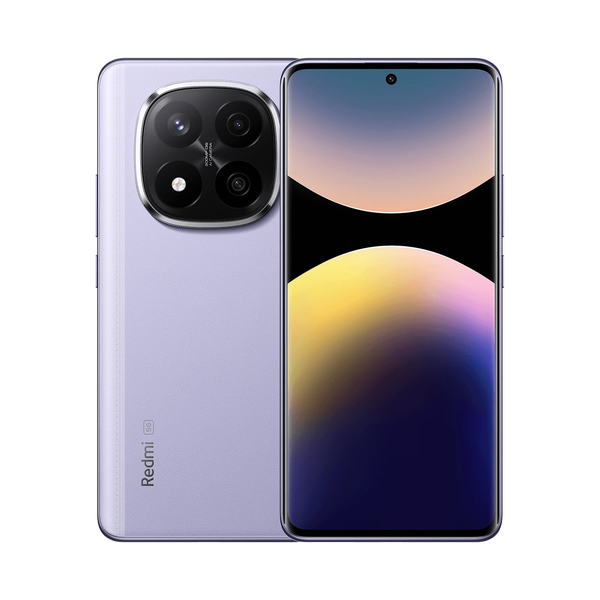
Keep Redmi Note 14 Pro+ 5G separate from similarly named Pro/non-5G variants; validate the installed mobile software and real app listing.
Platform guidance →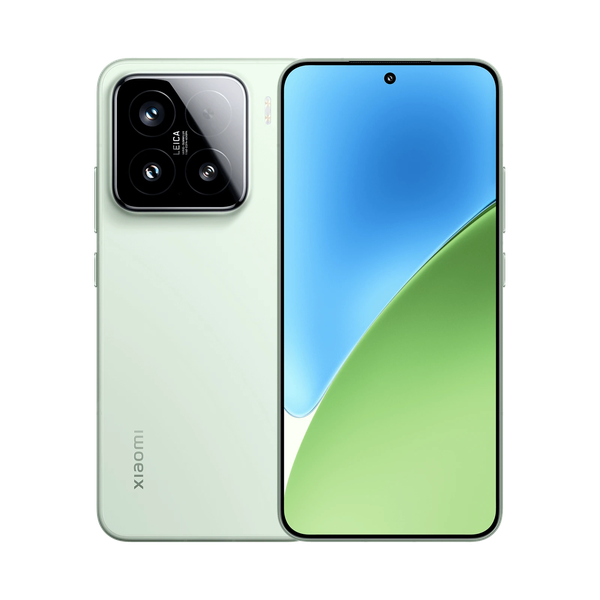
Keep Xiaomi 15 phone instructions distinct from the company’s TV Box/TV Stick and HyperOS/TV branding; use the mobile player route.
Platform guidance →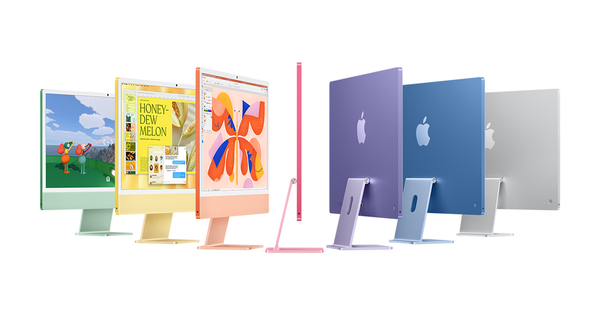
Use iMac desktop display context and macOS media controls; family artwork is not a current model/year specification.
Platform guidance →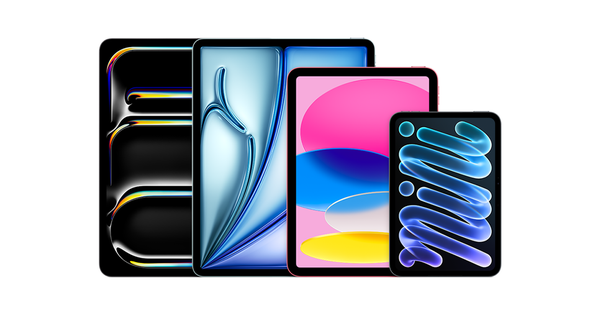
Use iPad-family App Store guidance without assigning every model the ports/display features of iPad Pro.
Platform guidance →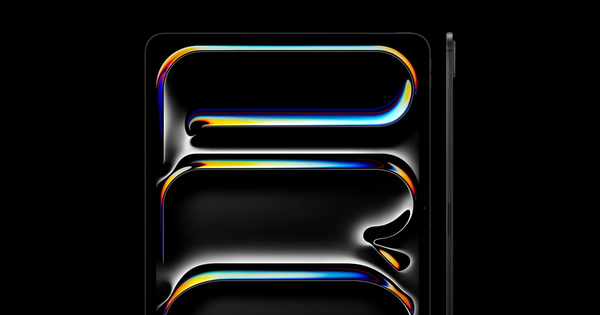
Use iPad Pro as an iPadOS touchscreen viewing scenario, while leaving exact generation/external-display specifications unclaimed.
Platform guidance →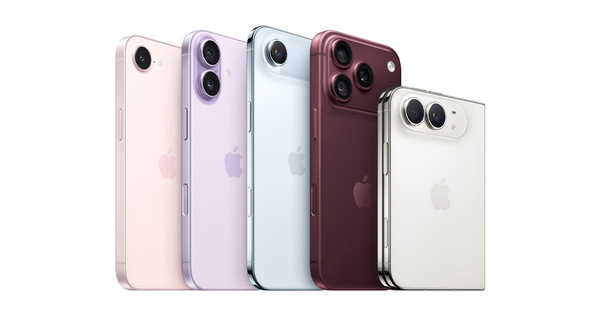
Use iPhone-family mobile media/App Store and separate AirPlay checks; do not imply an exact iPhone generation from family imagery.
Platform guidance →
Keep MYTVOnline 3 client identity and simulated marketing screens distinct from current version 4 navigation and from IPTV Europe account proof.
Platform guidance →
Microsoft Edge promotional graphic is a browser identity; require a genuine service web-player URL and published browser/media support before claiming playback. Browser installation, website sign-in and television casting are separate tasks.
Platform guidance →
Use VIZIO Home Screen as a television interface identity; current exact-model app-install/casting route is not established by a logo. Verify model support instead of assuming Google Play.
Platform guidance →
Separate the official media centre, platform-specific installation, add-on/media source and subscription entitlement.
Platform guidance →
Explain middleware versus end-user client/provisioning; a Ministra Pro symbol is not evidence of a Europe deployment.
Platform guidance →
Give actual VLC platform and network-media controls, explaining that a player licence is not a television subscription.
Platform guidance →
Explain the difference among Android mobile, Android TV and Android-derived vendor platforms before choosing a store/build.
Platform guidance →
Provide a TV-build/remote-control app checklist rather than treating a mobile Android APK as automatically suitable.
Platform guidance →
CoreELEC is a specialised media-device environment, not a general-purpose Android TV APK route. Hardware/image compatibility and Kodi context require separate verification.
Platform guidance →
Separate Debian’s distribution/repository choices from media-source setup; confirm release/architecture and current package through Debian before prescribing commands.
Platform guidance →
Use Fedora release/architecture and genuine package route checks; do not copy Ubuntu apt commands into a Fedora guide.
Platform guidance →
Distinguish Google TV interface, Android TV application support and Google Cast sender/receiver functions.
Platform guidance →
Scope the documented Vision AppGallery route to the actual Huawei TV/version, with separate unknowns for newer HarmonyOS devices.
Platform guidance →
Explain Linux as a platform family with distribution-specific packages; do not give one universal package command or infer a service from the Tux mark.
Platform guidance →
Confirm Linux Mint edition/base and software manager route rather than assuming every edition has identical repositories; playback-source setup remains separate.
Platform guidance →
Explain operator/OEM control of application distribution and provisioning rather than inventing a universal RDK store.
Platform guidance →
Confirm Ubuntu release, architecture and selected software package format before player installation; do not mix package routes as if interchangeable.
Platform guidance →
Distinguish VIDAA TV player availability from the VIDAA mobile remote companion and from Hisense’s other possible television platforms.
Platform guidance →
Use Windows 11 desktop installation and network-media controls; verify architecture and publisher before choosing a binary. Saved icon is community artwork.
Platform guidance →
Treat Windows 8-era viewing as a legacy migration topic. Microsoft states Windows 8.1 support ended in 2023; do not imply secure current OS support.
Platform guidance →
Provide iOS-specific App Store and AirPlay controls; combine duplicate iOS artwork into one identity.
Platform guidance →
Explain iPadOS player installation and the distinction between touchscreen playback, mirroring and in-app AirPlay.
Platform guidance →
Document macOS network-media controls and OS/processor installer requirements separately from Apple TV/tvOS.
Platform guidance →
Provide tvOS App Store guidance and distinguish compatible Apple TV hardware from Apple TV third generation with no add-new-app route.
Platform guidance →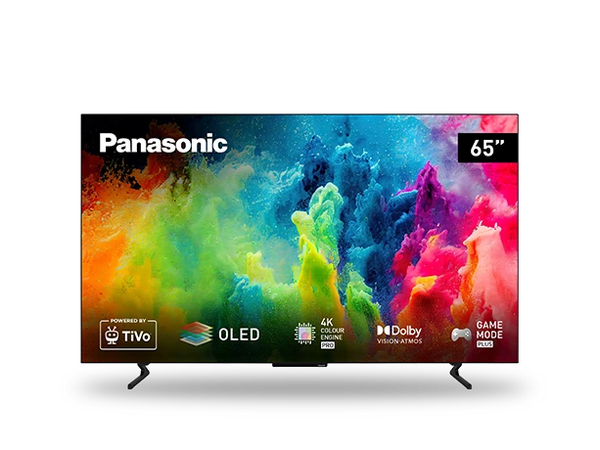
Panasonic OLED promotional artwork is a television-family context, not evidence of an exact model or OS. Create an OS-identification decision before sending readers to any app store.
Platform guidance →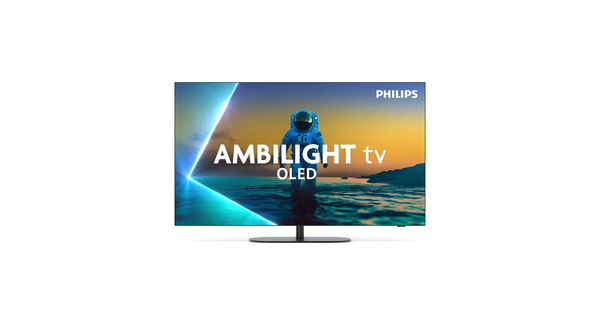
Philips Ambilight OLED artwork does not fix a model/OS. Identify exact TV software rather than assuming all Ambilight televisions use Google TV.
Platform guidance →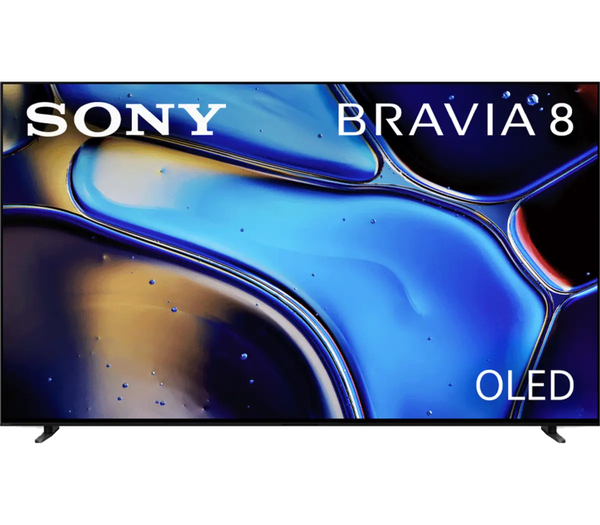
Use exact Sony BRAVIA 8 K-65XR80 identity and Sony’s Google/Android-TV versus other-TV app distinction; do not generalize this model to every Sony television.
Platform guidance →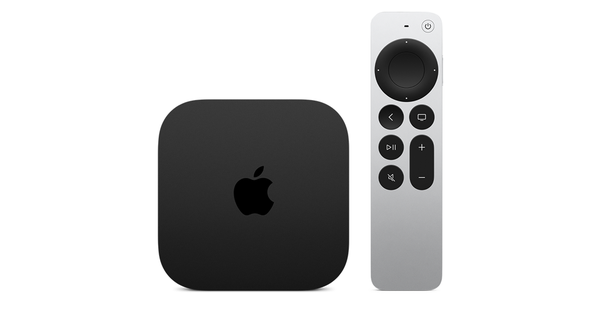
Explain the Apple TV 4K/tvOS App Store workflow and distinguish Apple TV hardware from the Apple TV streaming app; the photograph does not establish a generation.
Platform guidance →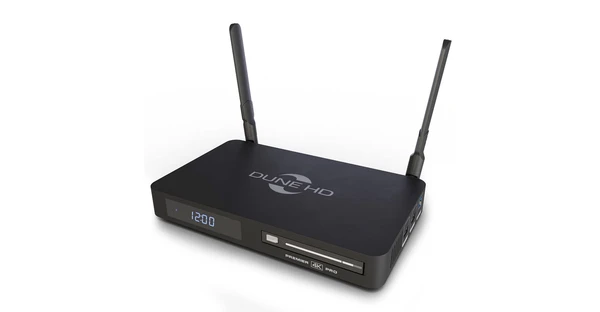
Document the discontinued Premier 4K Pro separately from its manufacturer-named replacement so users do not download firmware or follow port instructions for another box.
Platform guidance →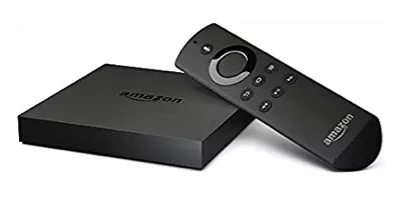
Identify Fire TV - 1st Gen (2014) by Amazon build model AFTB; its published Fire OS 5 / Android Level 22 (Android 5.1) baseline determines whether Android-based instructions apply. Similar case artwork is insufficient to identify generation.
Platform guidance →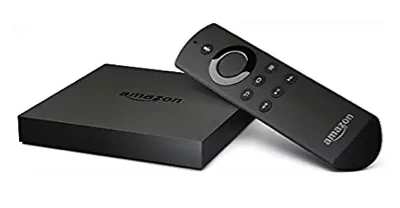
Identify Fire TV - 2nd Gen (2015) by Amazon build model AFTS; its published Fire OS 5 / Android Level 22 (Android 5.1) baseline determines whether Android-based instructions apply. Similar case artwork is insufficient to identify generation.
Platform guidance →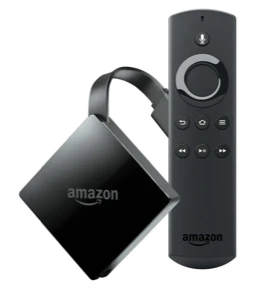
Identify Fire TV - 3rd Gen (2017) by Amazon build model AFTN; its published Fire OS 6 / API Level 25 (Android 7.1) baseline determines whether Android-based instructions apply. Similar case artwork is insufficient to identify generation.
Platform guidance →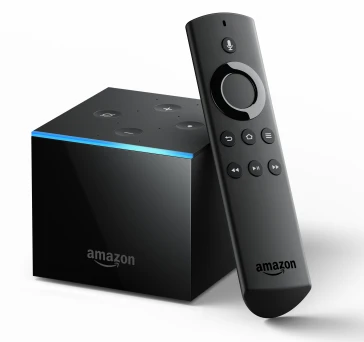
Identify Fire TV Cube - 1st Gen (2018) by Amazon build model AFTA; its published Fire OS 6 / API Level 25 (Android 7.1) baseline determines whether Android-based instructions apply. Similar case artwork is insufficient to identify generation.
Platform guidance →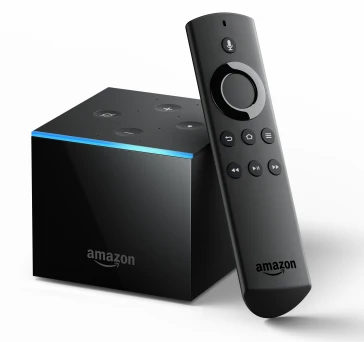
Identify Fire TV Cube - 2nd Gen (2019) by Amazon build model AFTR; its published Fire OS 7 / Android Level 28 (Android 9) baseline determines whether Android-based instructions apply. Similar case artwork is insufficient to identify generation.
Platform guidance →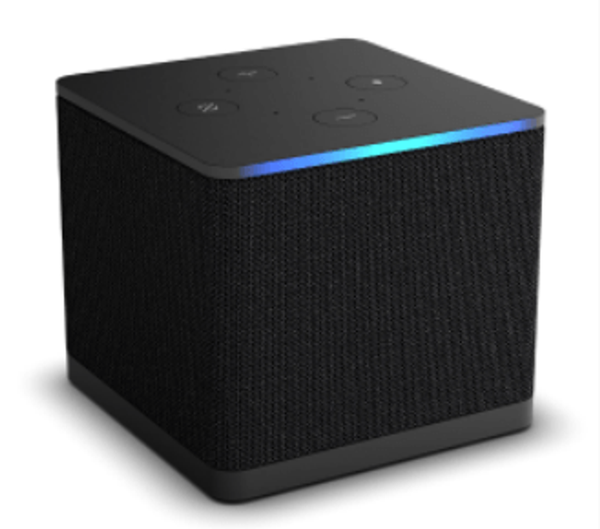
Identify Fire TV Cube - 3rd Gen (2022) by Amazon build model AFTGAZL; its published Fire OS 7 / Android Level 28 (Android 9) baseline determines whether Android-based instructions apply. Similar case artwork is insufficient to identify generation.
Platform guidance →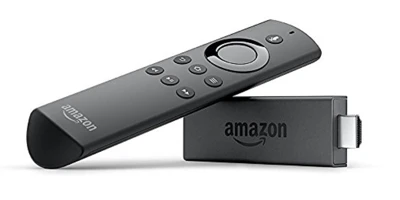
Identify Fire TV Stick - 1st Gen (2014) by Amazon build model AFTM; its published Fire OS 5 / Android Level 22 (Android 5.1) baseline determines whether Android-based instructions apply. Similar case artwork is insufficient to identify generation.
Platform guidance →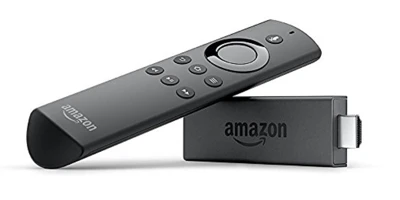
Identify Fire TV Stick - 2nd Gen (2016-2019) by Amazon build model AFTT; its published Fire OS 5 / Android Level 22 (Android 5.1) baseline determines whether Android-based instructions apply. Similar case artwork is insufficient to identify generation.
Platform guidance →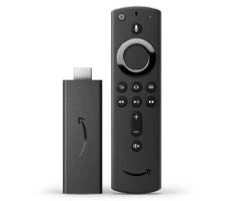
Identify Fire TV Stick - 3rd Gen (2020) by Amazon build model AFTSSS; its published Fire OS 7 / Android Level 28 (Android 9) baseline determines whether Android-based instructions apply. Similar case artwork is insufficient to identify generation.
Platform guidance →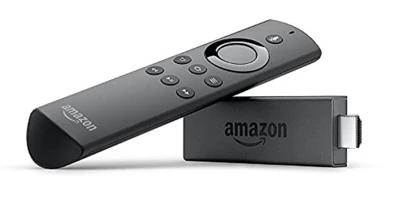
Identify Fire TV Stick - Basic Edition (2017) by Amazon build model AFTT; its published Fire OS 5 / Android Level 22 (Android 5.1) baseline determines whether Android-based instructions apply. Similar case artwork is insufficient to identify generation.
Platform guidance →
Identify Fire TV Stick 4K - 1st Gen (2018) by Amazon build model AFTMM; its published Fire OS 6 / API Level 25 (Android 7.1) baseline determines whether Android-based instructions apply. Similar case artwork is insufficient to identify generation.
Platform guidance →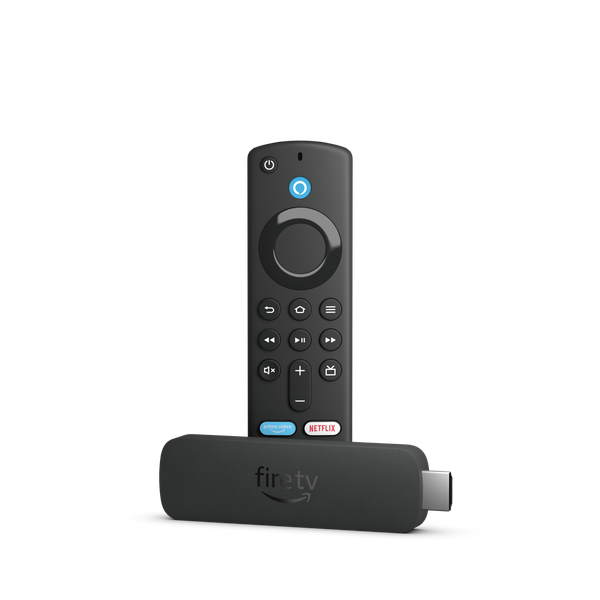
Identify Fire TV Stick 4K - 2nd Gen (2023) - 8 GB by Amazon build model AFTKM; its published Fire OS 8 / Android Level 30 (Android 11) baseline determines whether Android-based instructions apply. Similar case artwork is insufficient to identify generation.
Platform guidance →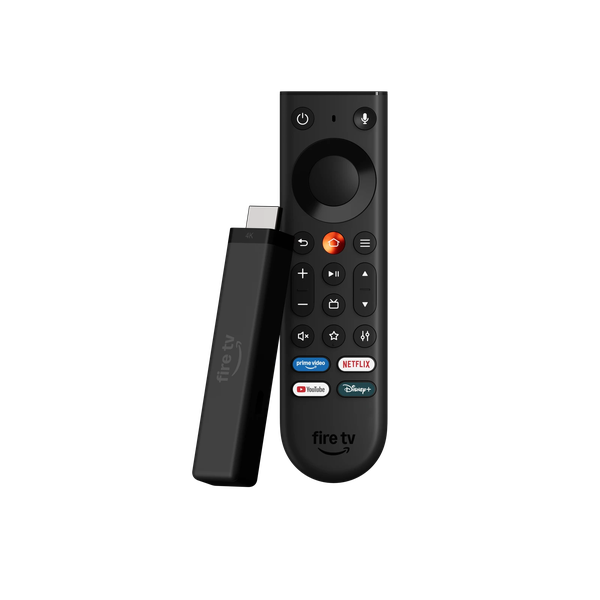
Identify Fire TV Stick 4K - 3rd Gen (2026) by Amazon build model AFTCR001; its published Vega OS version: OS 2.0 / N/A baseline determines whether Android-based instructions apply. Similar case artwork is insufficient to identify generation.
Platform guidance →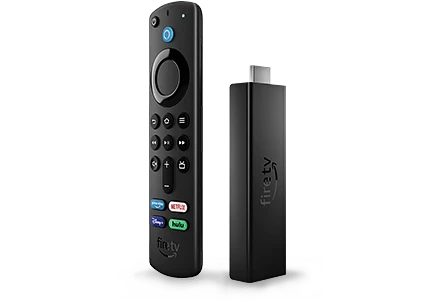
Identify Fire TV Stick 4K Max - 1st Gen (2021) by Amazon build model AFTKA; its published Fire OS 7 / Android Level 28 (Android 9) baseline determines whether Android-based instructions apply. Similar case artwork is insufficient to identify generation.
Platform guidance →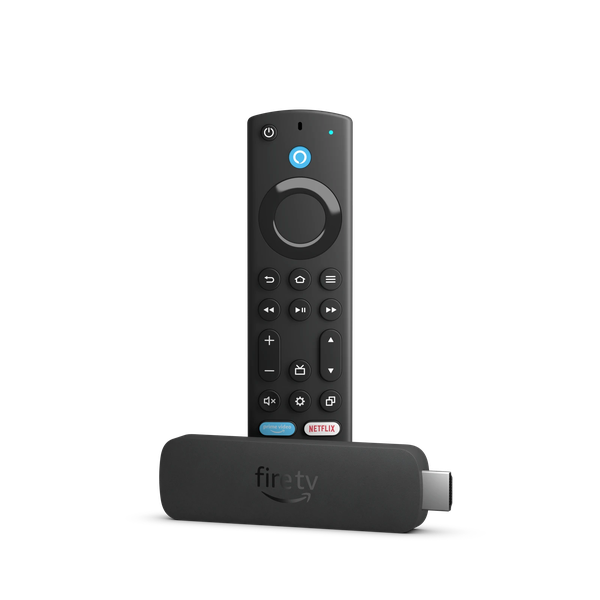
Identify Fire TV Stick 4K Max - 2nd Gen (2023) - 16 GB by Amazon build model AFTKRT; its published Fire OS 8 / Android Level 30 (Android 11) baseline determines whether Android-based instructions apply. Similar case artwork is insufficient to identify generation.
Platform guidance →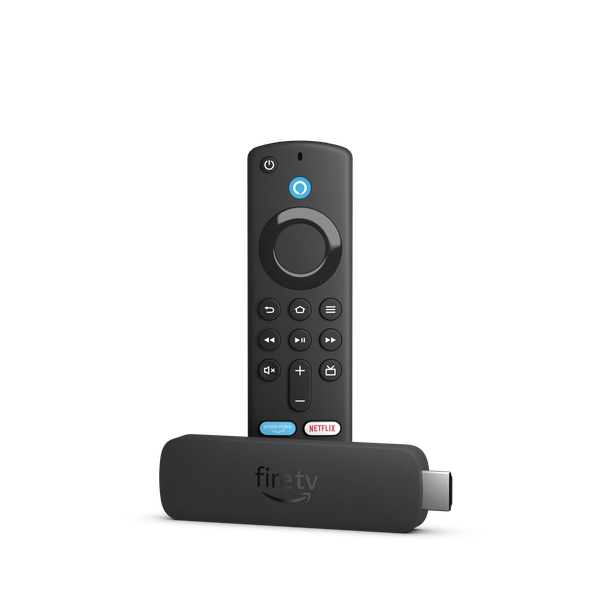
Identify Fire TV Stick 4K Plus (2025) by Amazon build model AFTMA08C15; its published Fire OS 8 / Android Level 30 (Android 11) baseline determines whether Android-based instructions apply. Similar case artwork is insufficient to identify generation.
Platform guidance →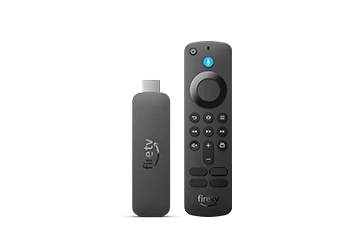
Identify Fire TV Stick 4K Select (2025) by Amazon build model AFTCA002; its published Vega OS version: OS 2.0 / N/A baseline determines whether Android-based instructions apply. Similar case artwork is insufficient to identify generation.
Platform guidance →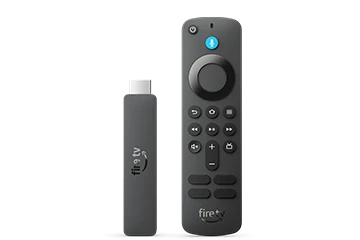
Identify Fire TV Stick HD (2026) by Amazon build model AFTCL001; its published Vega OS version: OS 2.0 / N/A baseline determines whether Android-based instructions apply. Similar case artwork is insufficient to identify generation.
Platform guidance →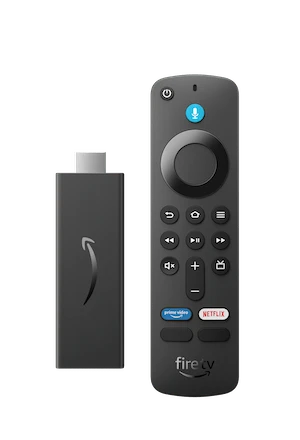
Identify Fire TV Stick HD Alexa Voice Remote (2024) by Amazon build model AFTSS; its published Fire OS 7 / Android Level 28 (Android 9) baseline determines whether Android-based instructions apply. Similar case artwork is insufficient to identify generation.
Platform guidance →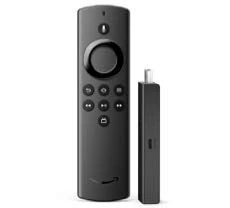
Identify Fire TV Stick Lite - 1st Gen (2020) by Amazon build model AFTSS; its published Fire OS 7 / Android Level 28 (Android 9) baseline determines whether Android-based instructions apply. Similar case artwork is insufficient to identify generation.
Platform guidance →
Cover first setup with the separately purchased HDMI 2.1 cable, power, account and Wi-Fi/Ethernet, then distinguish native apps from Cast.
Platform guidance →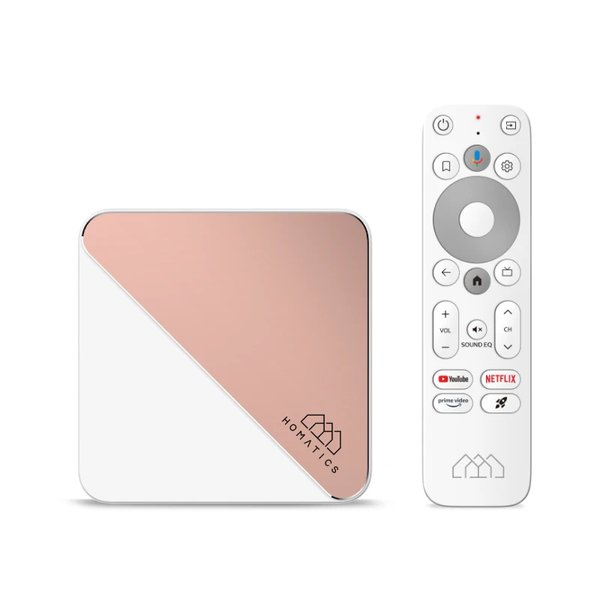
Separate this Homatics-branded box and its plug variants from Dune’s similarly named replacement; verify actual firmware rather than borrowing another brand’s instructions.
Platform guidance →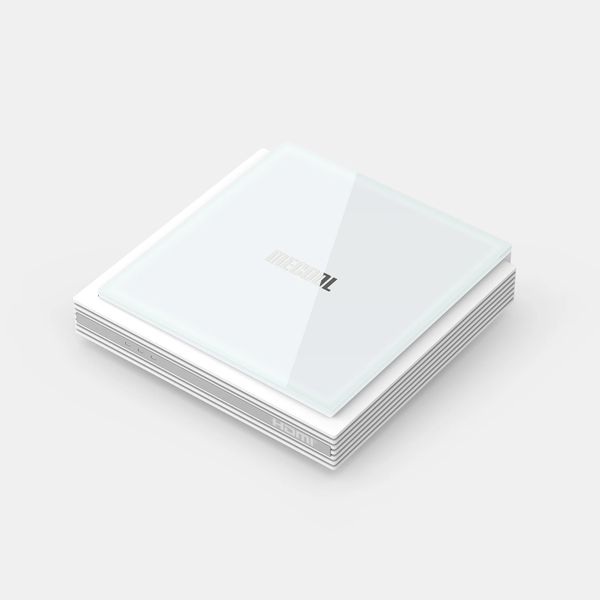
Use the exact KM2 PLUS Deluxe identity, not KM2/PLUS specifications interchangeably; current installed firmware must be checked before choosing a player.
Platform guidance →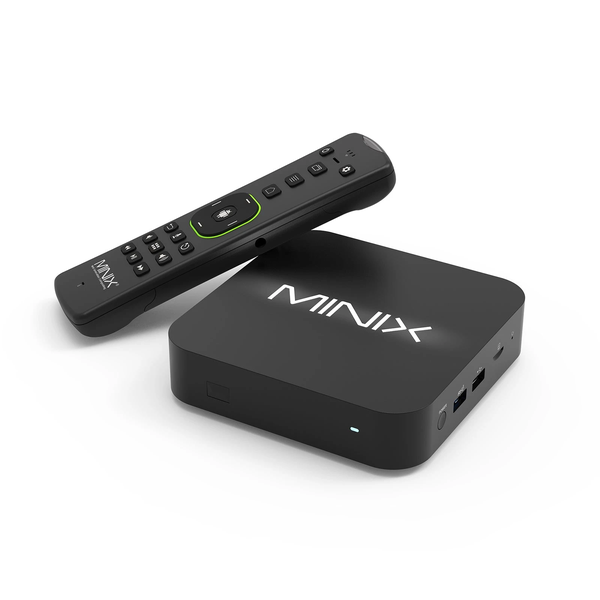
Explain the U8K-ULTRA media-hub identity and the difference between a product name, hardware output and the actual resolution of a service stream.
Platform guidance →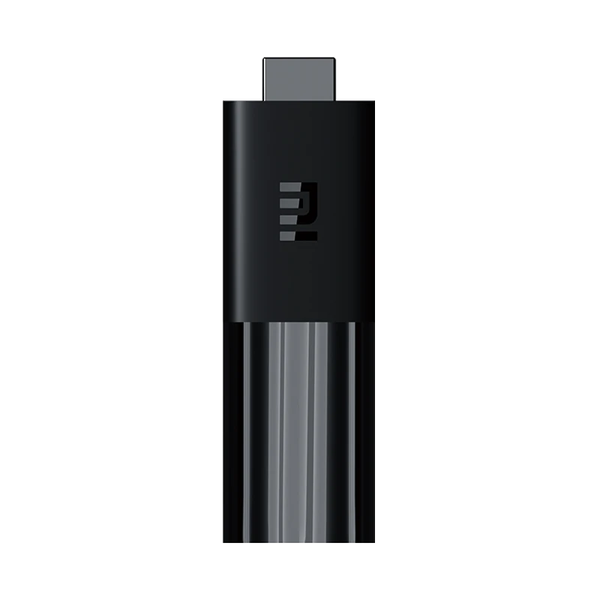
Distinguish the original Mi TV Stick from the separate TV Stick 4K; use manufacturer’s Android TV 9.0 description as a historical product baseline and check installed software.
Platform guidance →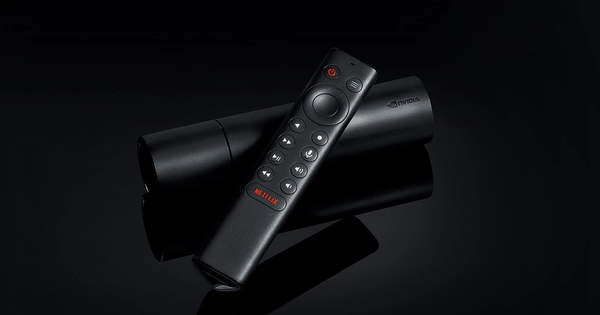
Treat tubular SHIELD TV as its own hardware model; do not assign the Pro’s USB ports, memory or storage. Exact current hardware specs need its own page.
Platform guidance →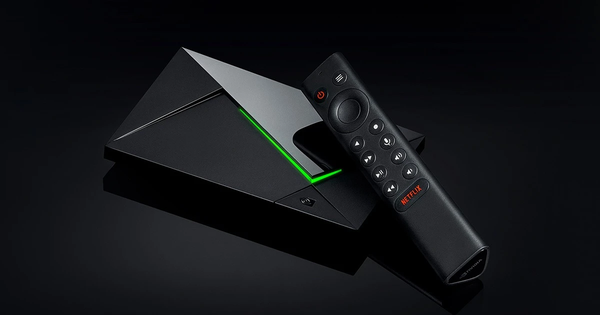
Use the Pro’s documented Ethernet and USB capabilities when planning network/local media, while accounting for system-occupied storage rather than claiming all 16 GB is free.
Platform guidance →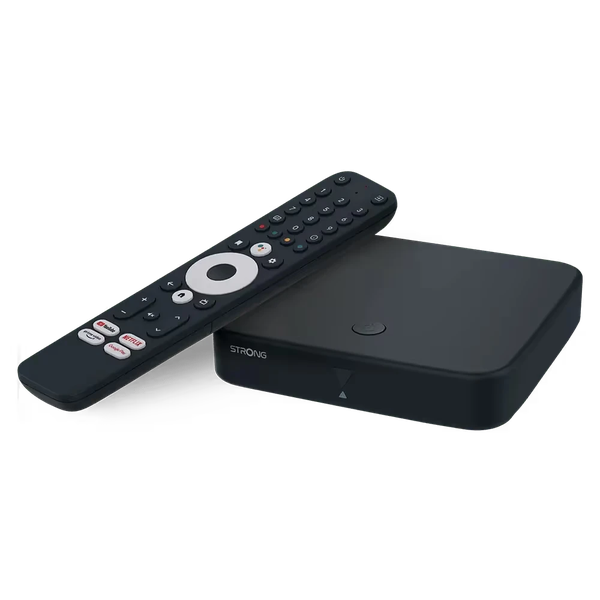
Check manufacturer identity carefully: the saved display name says LEAP LIVE 420, while source URL is SRT 420. Do not silently merge 420-family products or assign an OS from the brand alone.
Platform guidance →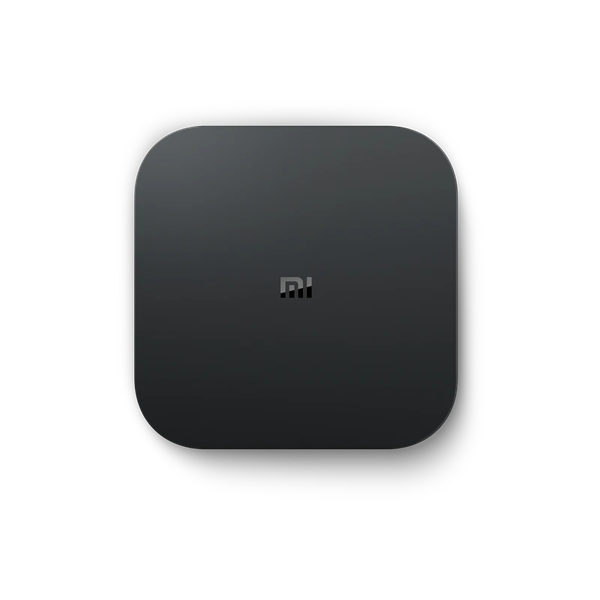
Retain the India-market Mi Box 4K product identity and source rather than substituting global Mi Box S firmware or specifications.
Platform guidance →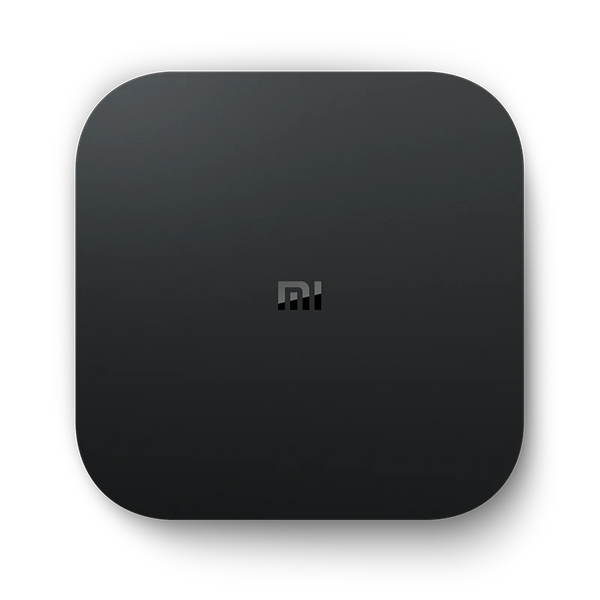
Distinguish the original Mi Box S identity from Xiaomi TV Box S second/third generations; confirm actual installed platform and do not transplant new model storage figures.
Platform guidance →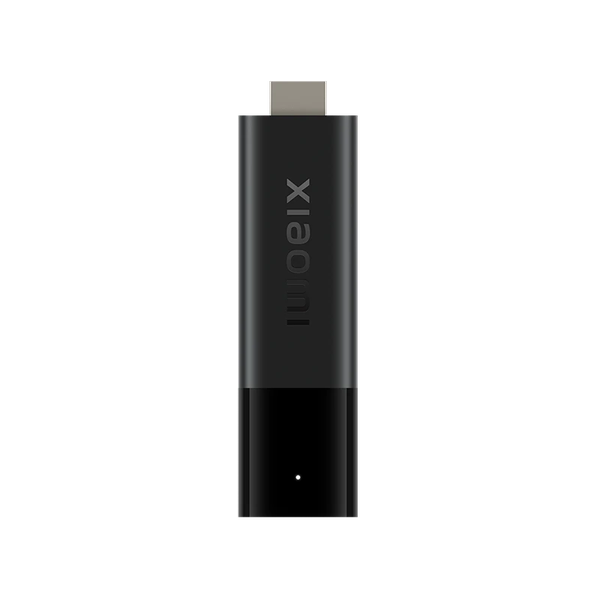
Distinguish TV Stick 4K from the original Mi TV Stick, with a model check before following firmware/player requirements.
Platform guidance →
Use mobile Android guidance for Galaxy S25 Ultra rather than Samsung Tizen television instructions; treat television casting as a separate test.
Platform guidance →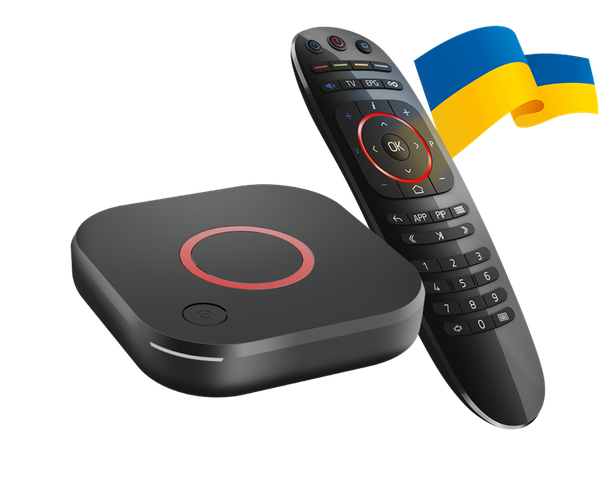
Explain MAG544 Linux portal/network provisioning and distinguish it from Infomir Android STBs, including safe handling of MAC identifiers.
Platform guidance →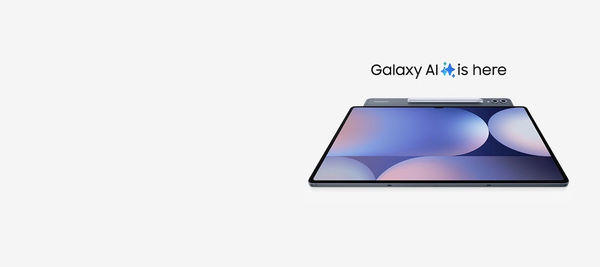
Use a tablet-focused media layout and private account entry for Galaxy Tab S10 series; catalogue family artwork does not establish every model’s external-display capabilities.
Platform guidance →
Use the LG OLED living-room image as family context while requiring exact model/webOS generation for the store menu.
Platform guidance →
Use Fire TV as a brand/interface hub that branches by exact model into Fire OS or Vega; the saved vector is explicitly legacy community artwork.
Platform guidance →
Map Samsung One UI Tizen/older TV menu variations to actual store installation; reject Android APK transfer.
Platform guidance →
Separate webOS 26 from older menu generations and explain Services Country/account/storage checks. The artwork is a developer wordmark, not an app screenshot.
Platform guidance →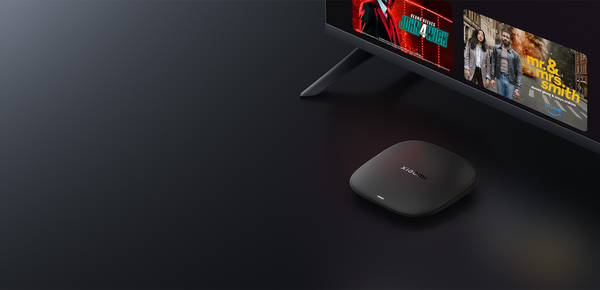
Document the third-generation Google TV hardware and available local-media port without copying older Mi Box S specifications.
Platform guidance →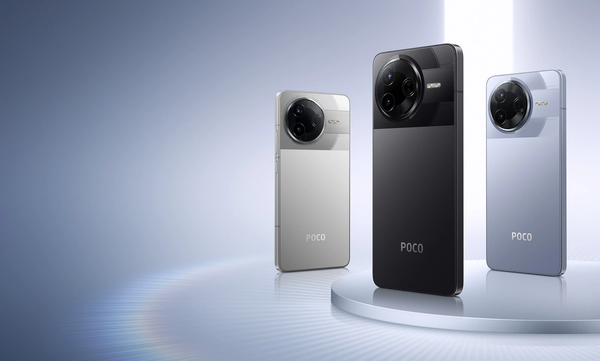
Keep POCO F7 Pro separate from F7/Ultra phones and Xiaomi television products; confirm regional mobile app requirements rather than importing TV APK guidance.
Platform guidance →Provide the Roku Streaming Store route and distinguish Roku from Android APK platforms.
Platform guidance →Separate hardware, installed MYTVOnline client version and provider provisioning; client logo is illustrative, not a device photo.
Platform guidance →Explain Android-based Fire OS and branch by Amazon model/OS table rather than Fire TV branding.
Platform guidance →Explain current Vega Fire TV generations, native APK limits and the separate cloud-program caveat.
Platform guidance →Document video/mirroring controls without misusing the saved audio-only symbol.
Platform guidance →