Use the app’s actual identity
Start with the developer name, supported platform and official listing. App names can be similar while the software is unrelated. A store listing for a phone does not establish a version for a television, and a desktop download does not establish a TV app. Check the model and store region before paying for software.
A player does not supply every service
VLC, Kodi and other media applications can serve different local or network-media tasks. Their installation does not activate a commercial streaming service or establish rights to a programme. An OTT service such as Netflix has its own app and subscription. A playlist player uses access supplied for a separate arrangement. Keep those roles distinct.
Start with official developer sources
- VideoLAN VLC — official downloads and platform choices
- Kodi — official platform downloads
- Samsung — managing apps on a Samsung TV
- Apple TV — get apps through the App Store
These links identify official sources for the named software or platform. They are not a promise that a particular IPTV Europe access method works in every app. No APK binary or Downloader code is distributed here.
Explore player guides
Browse the player directory and its developer-specific guides →
What the screens show

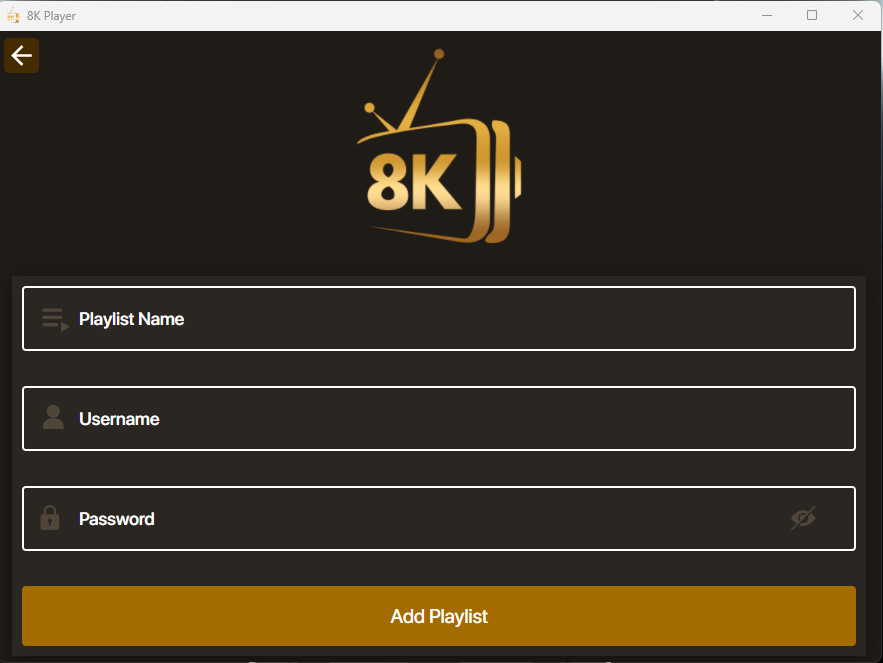
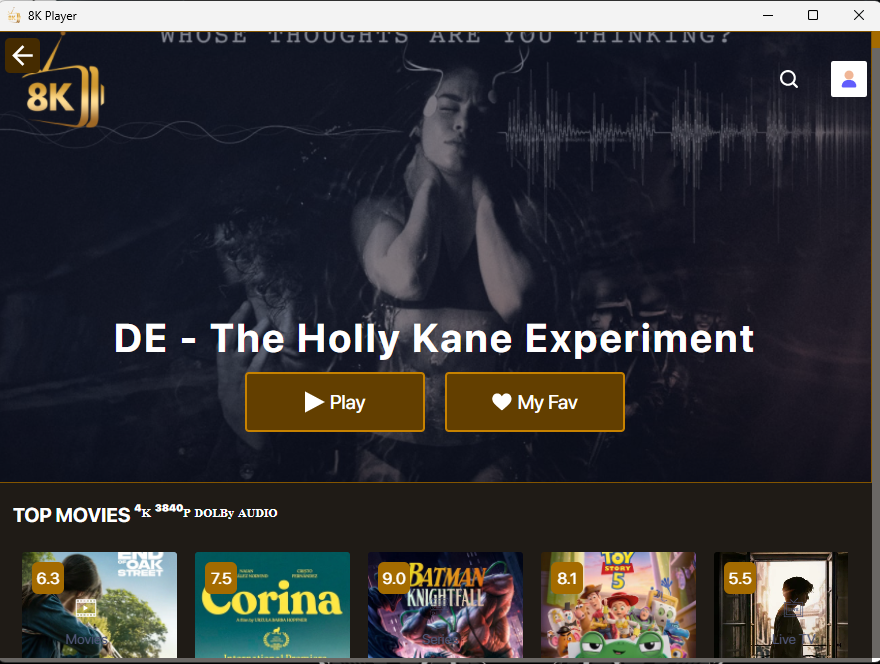
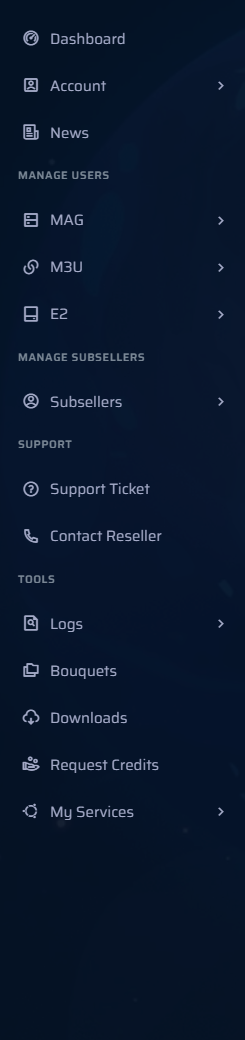
The welcome, empty playlist form and title-view screens illustrate separate player states. The panel navigation is cropped and redacted. Menus and features vary by app version; these images do not establish a current IPTV Europe deployment.
Ready to enquire?
After installing a suitable player, contact IPTV Europe to request a one-day trial. Include the player name and exact device model so the setup question is clear.
Request a trialQuestions answered
Does installing a player activate a subscription?
No. The player is software. Service access is a separate arrangement. An app purchase, app activation or device purchase does not by itself activate an IPTV Europe plan.
Are all apps compatible with my television?
Compatibility depends on the television model, operating system, store region and app version. Use the manufacturer or developer’s listing for your exact platform before buying an app.
Where should I download a player?
Start with the device’s own app store or the developer’s official website. Match the developer identity as well as the app name. This site does not distribute an APK binary or a Downloader code.
Does the price include the player app?
Player licensing and service access are separate. Some players charge an app fee or activation fee. Check the developer’s current terms and confirm any service charges before paying.
Sources & further reading
Official references for the subjects discussed. Service terms and device software can change.