
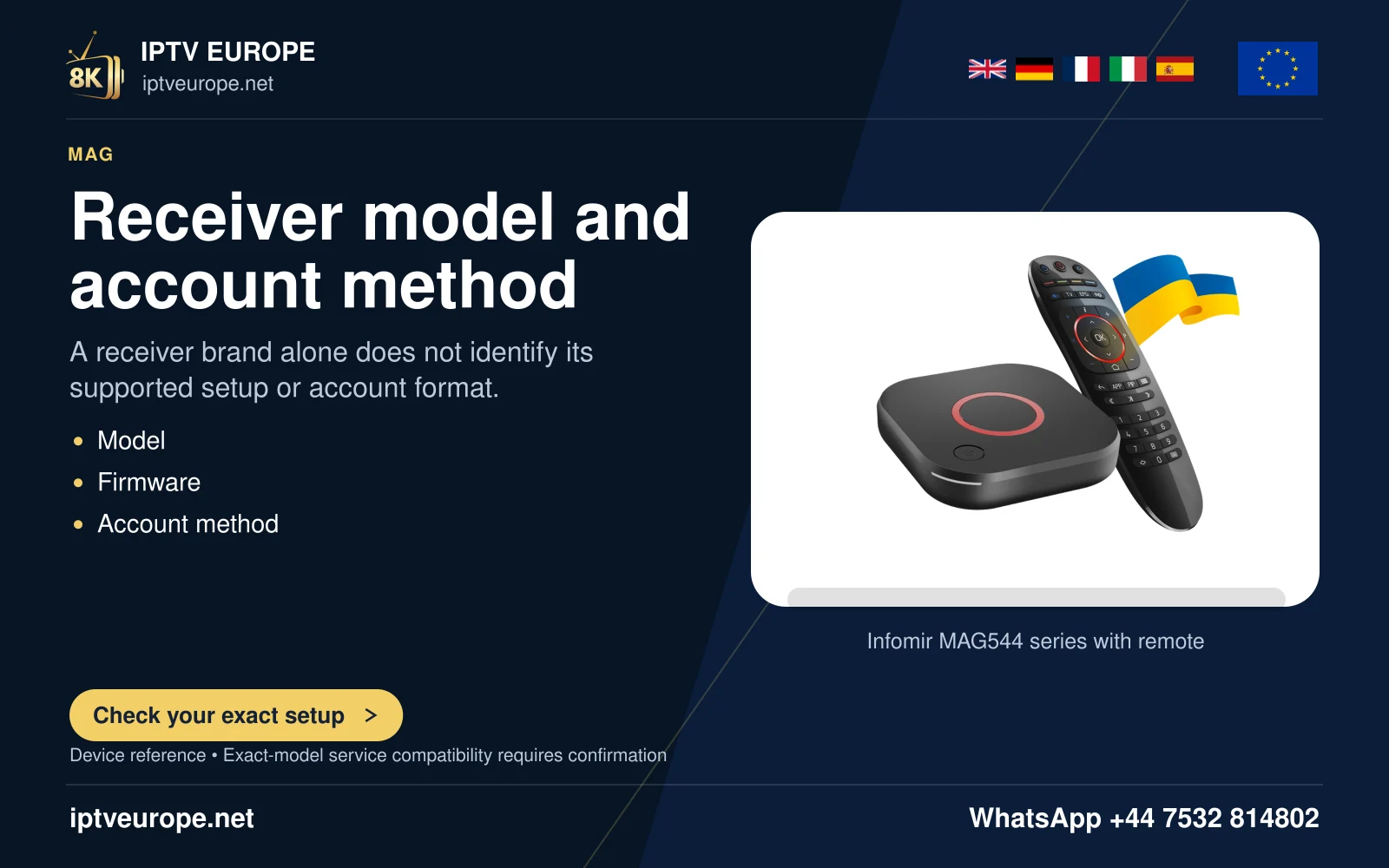
A portal error is a stage, not a complete diagnosis
On a MAG setup, the device’s own interface, a network connection and an external portal are different parts of the route. A failure to load the portal should be described with the visible message and the stage reached. It does not establish one universal cause.
Infomir’s MAG5xx documentation separates embedded-portal settings, software updates and external-portal problems. Use the actual MAG model and matching manufacturer instructions. An Android app-store tutorial is not a substitute for that device’s documented provisioning route.
Retain the basic observations
First note whether the box powers on and the television shows its local interface. If there is no local picture, the input, power and display connection belong in the investigation. If the local interface works but the external portal does not, retain that distinction rather than repeatedly changing the television picture mode.
Next record the actual network status available through the device’s legitimate controls. Keep a local connection problem separate from an account or operator response. A connection indicator is useful, but it does not prove that every remote service is reachable or that an account has been provisioned.
Verify the intended private configuration
Use only the portal or provisioning information confirmed for the account. Do not make up another address by changing a domain, port or path. A guessed destination can produce a new error while hiding the original problem.
For the appropriate support route, provide the model, installed software, exact message and when the failure began. Device identifiers or account references may be needed privately; they should not appear in a public screenshot. Before a reset or update, preserve the legitimate setup information required to restore the account.
Questions answered
Does a portal-loading failure prove the internet connection is down?
No. State what the device reaches and what the external portal does; provisioning and network reachability are separate questions.
Should I use another provider’s portal address as a test?
Use the address and account configuration actually authorized for your setup, not a guessed or unrelated destination.
Sources & further reading
Official references for the subjects discussed. Service terms and device software can change.