
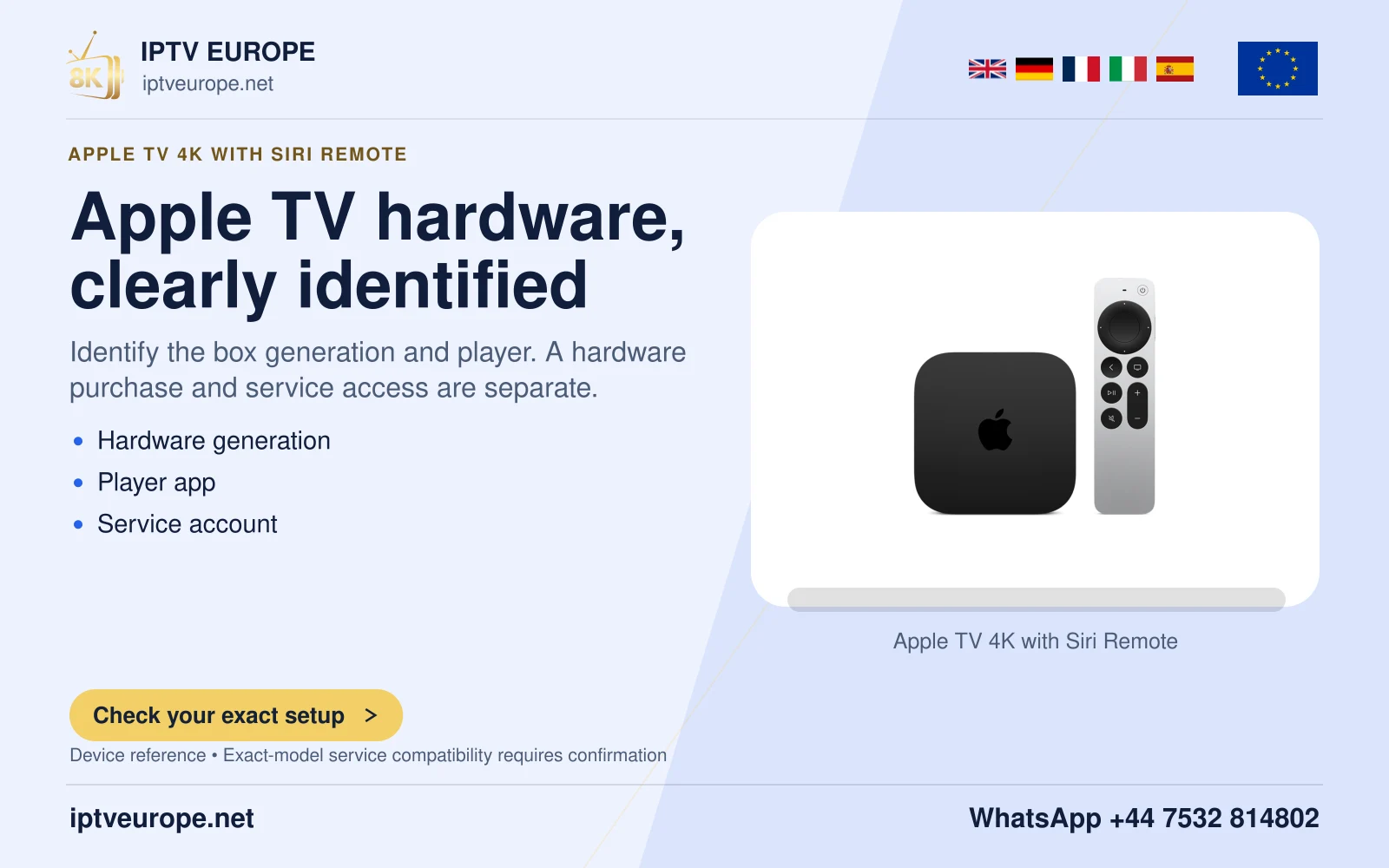
A missing store is different from a missing app
On hardware with an App Store, an application can be unavailable for its platform or account context. On third-generation hardware, the entire add-new-app route is absent. These are different constraints and need different advice.
Do not use an iPhone installation tutorial or an Android package as a replacement. Similar brand names do not make those packages native to the older Apple TV. Read the desired app publisher’s supported-platform information before deciding on another viewing route.
Evaluate an alternative against the actual task
If the desired application needs newer hardware, list the functions you intend to use before changing equipment: the specific player or service, remote navigation, audio path and display requirements. A new device starting successfully does not by itself configure the service.
Keep the existing device’s result precise. It may still operate its available functions, while lacking the new-app route needed for this particular plan. End-of-feature support is not the same as a hands-on finding that every function has stopped working. Confirm the proposed replacement’s current app listing before purchase.
Questions answered
Can an Apple TV third generation download new apps from the App Store?
Apple says the App Store is not available on that generation.
Does no App Store mean the device cannot do anything?
No. It identifies a limitation of the new-app route, not a test of every built-in function.
Sources & further reading
Official references for the subjects discussed. Service terms and device software can change.