
Choose the tool for the output route
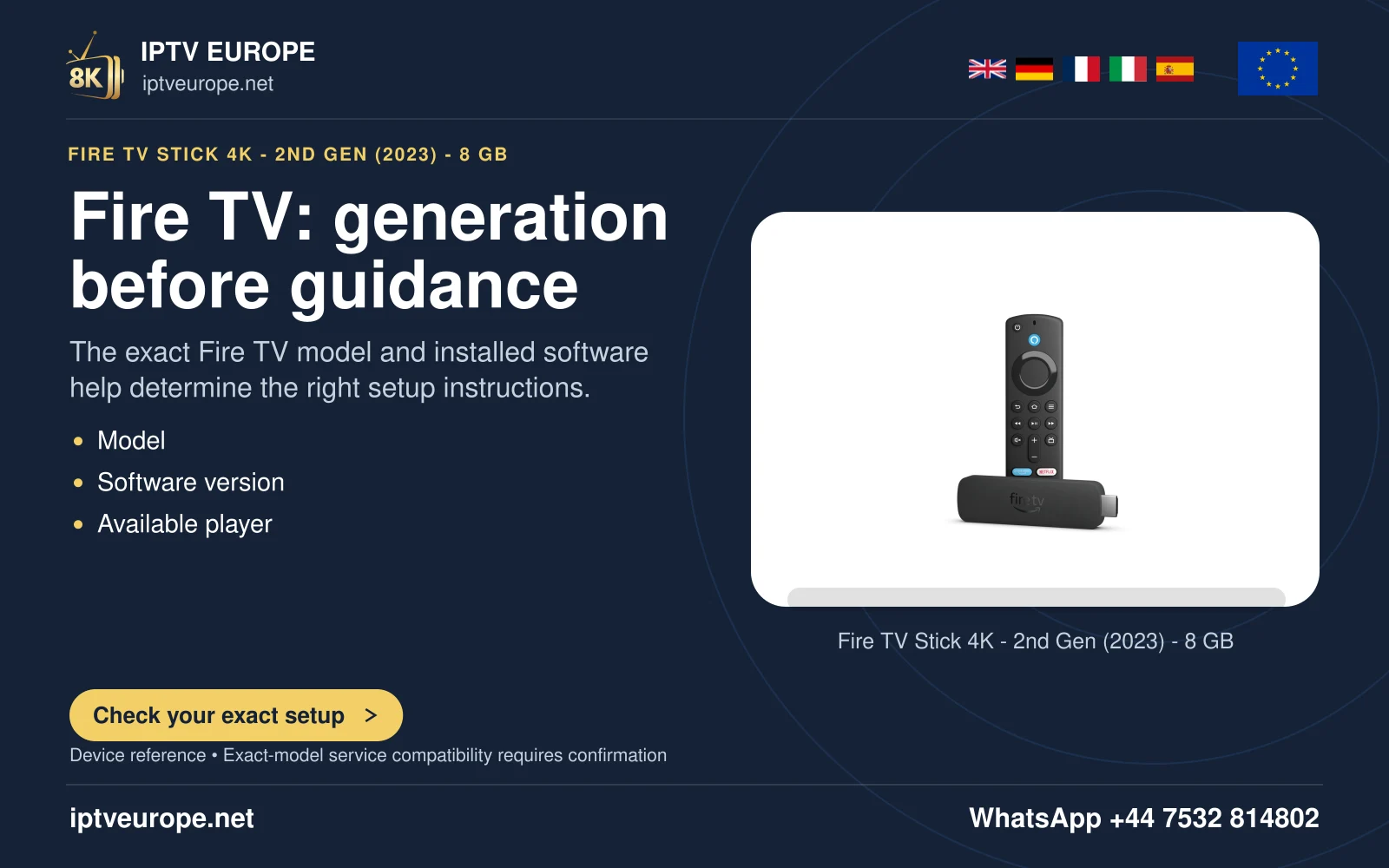
Amazon documents AV Sync Tuning for audio-delay issues on supported Fire TV arrangements. It notes that some Fire TV Smart TVs lack the slider and that an Amazon Home Theater setup uses Lip Sync Tuning instead. Identify the audio route before choosing the control.
Keep the source device, television and speaker arrangement fixed. A timing setting adjusted for one receiver mode may not describe another output path. Record the starting choice so the comparison can be reversed.
Read the built-in reference
Open Settings, Display and Audio, Audio, AV Sync Tuning where available. Amazon’s reference combines a bouncing ball, a flash and a tone. The intended result is that the bounce, light and sound align.
Follow Amazon’s documented direction: when the tone occurs before the flash, move right; when it occurs after the flash, move left. Apply the change with Select or OK and check the reference again. Do not copy an arbitrary delay value from another room.
Confirm with a known passage
After the reference is aligned, replay a short familiar dialogue scene. Check whether the original complaint improved and whether it remains stable after pause and resume. A built-in test and a programme observation provide different evidence.
If only one programme remains wrong while others are aligned, preserve that distinction. Repeatedly moving a global output correction to suit one problematic item can disturb everything else.
Avoid stacked corrections
Keep player subtitle delay, receiver audio delay and television processing unchanged during the Fire TV comparison. Their controls can act on different layers and in different directions. Several simultaneous corrections make the final state difficult to explain.
For support, provide the Fire TV model, speaker route, tool used and whether audio leads or trails. This guide explains Amazon’s procedure and does not claim measured synchronization on any physical installation.
Questions answered
Can I use a fixed delay number from another guide?
Use the built-in reference for your route. Another setup’s value is not a measurement of yours.
Sources & further reading
Official references for the subjects discussed. Service terms and device software can change.