
Check the controller hardware
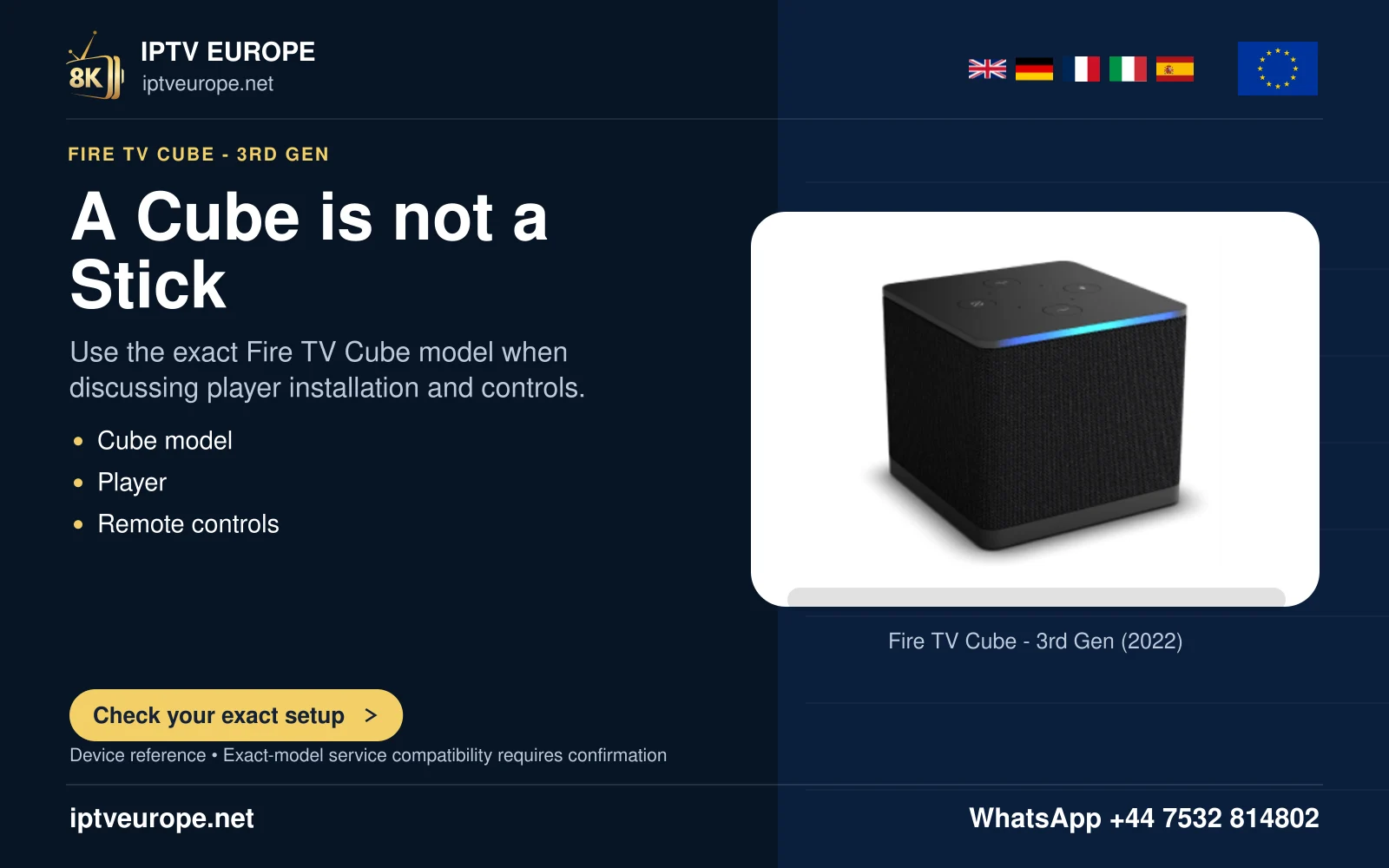
Amazon specifies a compatible Fire TV remote with volume, power and Alexa Voice controls for the described remote route. Fire TV Cube also has a built-in microphone for its documented hands-free commands. A Stick does not acquire that microphone merely because its remote has an Alexa button.
Identify the exact remote and connected equipment before following setup prompts. TV models with their own hands-free microphones form another explicitly supported group; do not generalize those features to every Fire TV television.
Configure the actual equipment
Use the Equipment Control area on the Fire TV and follow the available prompts for the TV, receiver or soundbar. Keep the original equipment remote available to confirm its own power and volume functions. Record the route that successfully responds.
Test power, volume up, volume down and mute separately where offered. One working command does not establish every other command. When an input changes, confirm that the correct source is visible before starting a programme.
Preserve a useful household setup
Explain which device the volume buttons control and how to recover with its original remote. This matters when speakers change between TV, soundbar and headphones. The same physical buttons may no longer describe the intended listening destination.
If control is intermittent, report the target device and command path rather than reinstalling the viewing app. This page uses Amazon’s compatibility-scoped documentation and makes no claim that a particular third-party receiver has been tested.
Questions answered
Does any Fire TV Stick provide the Cube’s built-in microphone?
No. Check the actual hardware and supported voice-control route.
Sources & further reading
Official references for the subjects discussed. Service terms and device software can change.