
A capability report has a specific scope
Fire TV Audio/Video Diagnostics examines capabilities reported by connected HDMI equipment. Amazon describes resolution, refresh, HDR, Dolby Vision and surround-format information. This helps investigate the display route; it does not measure the original stream or promise that a service supplies every reported format.
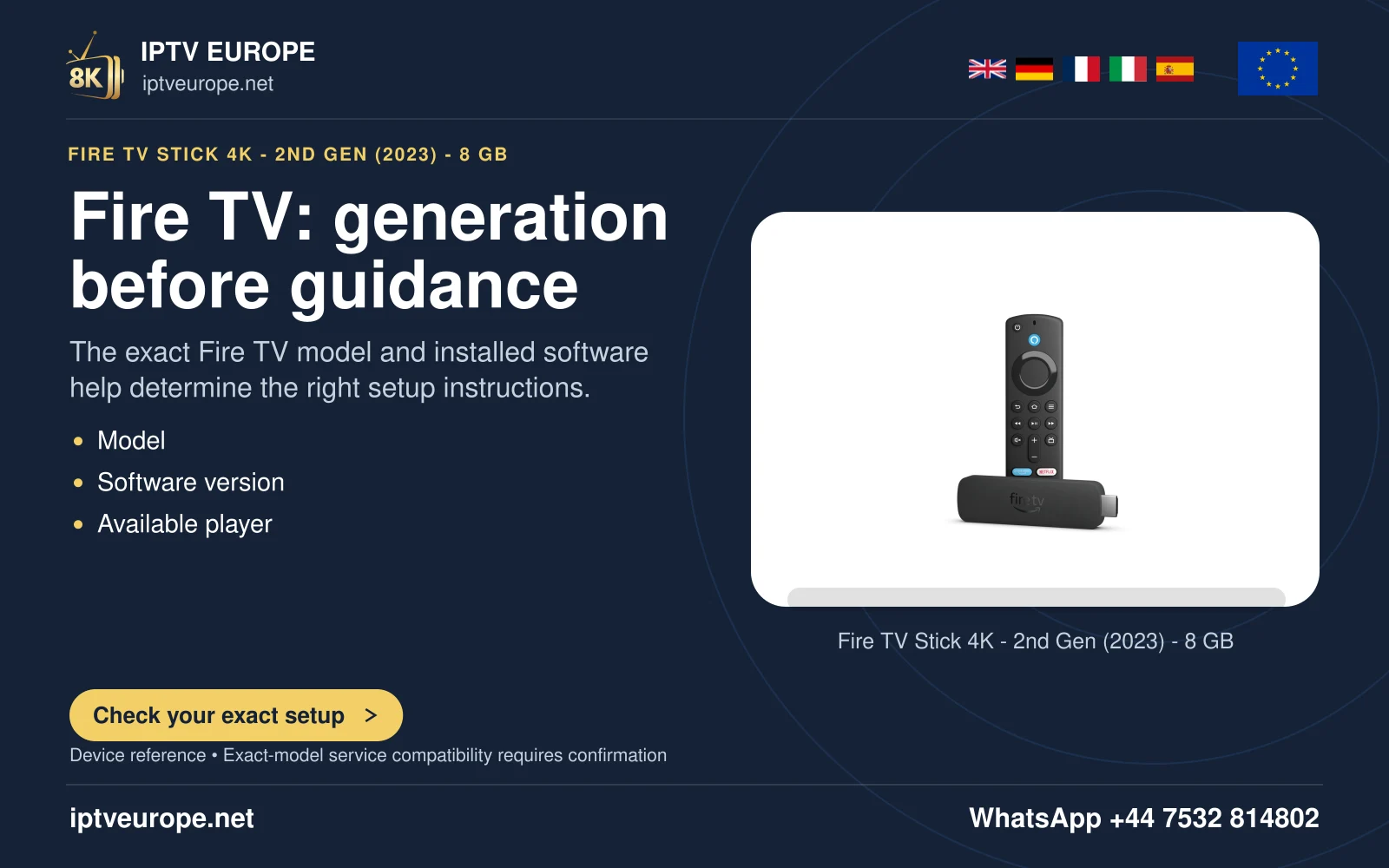
Begin by identifying the Fire TV model and physical route. A stick connected directly to the TV is a different arrangement from a box passing through a receiver or soundbar. Every intermediary is relevant to the capabilities the source can use.
Open the tool where it exists
Amazon’s documented route is Settings, Display and Sounds, Audio/Video Diagnostics. The tool is unavailable on some Fire TV devices. If it is absent, use the model’s current support documentation rather than assuming the menu is hidden or that an app must be installed to expose it.
Read each relevant property and note what the tool reports. Keep a record of the connected input and receiver state so later comparisons concern the same route. A maximum display mode and an actively playing programme mode answer different questions.
Compare the physical route
If an expected format is not detected, check the television and intermediary specifications. Amazon specifically asks whether a receiver or soundbar can pass through the desired HDR format. The TV panel alone cannot establish that capability for the whole chain.
Where practical, compare a direct connection while keeping the TV input requirements and source item clear. A difference narrows the investigation to the changed route; it does not alone prove a particular cable or receiver is defective.
Play a known source afterwards
Use a programme whose publisher identifies the intended format, then check the app and TV’s available playback information. The diagnostics test and the content test should be recorded separately. A plain stereo item is not a surround-format test, and a 1080p source cannot establish native 4K delivery.
For support, report the Fire TV model, HDMI route, diagnostic capability and actual playback observation. That gives each claim a clear scope without presenting this source-based guide as a hardware benchmark.
Questions answered
Does a Dolby Vision capability result prove the programme is Dolby Vision?
No. It reports the route’s capability; the source and application must supply the format.
Sources & further reading
Official references for the subjects discussed. Service terms and device software can change.