
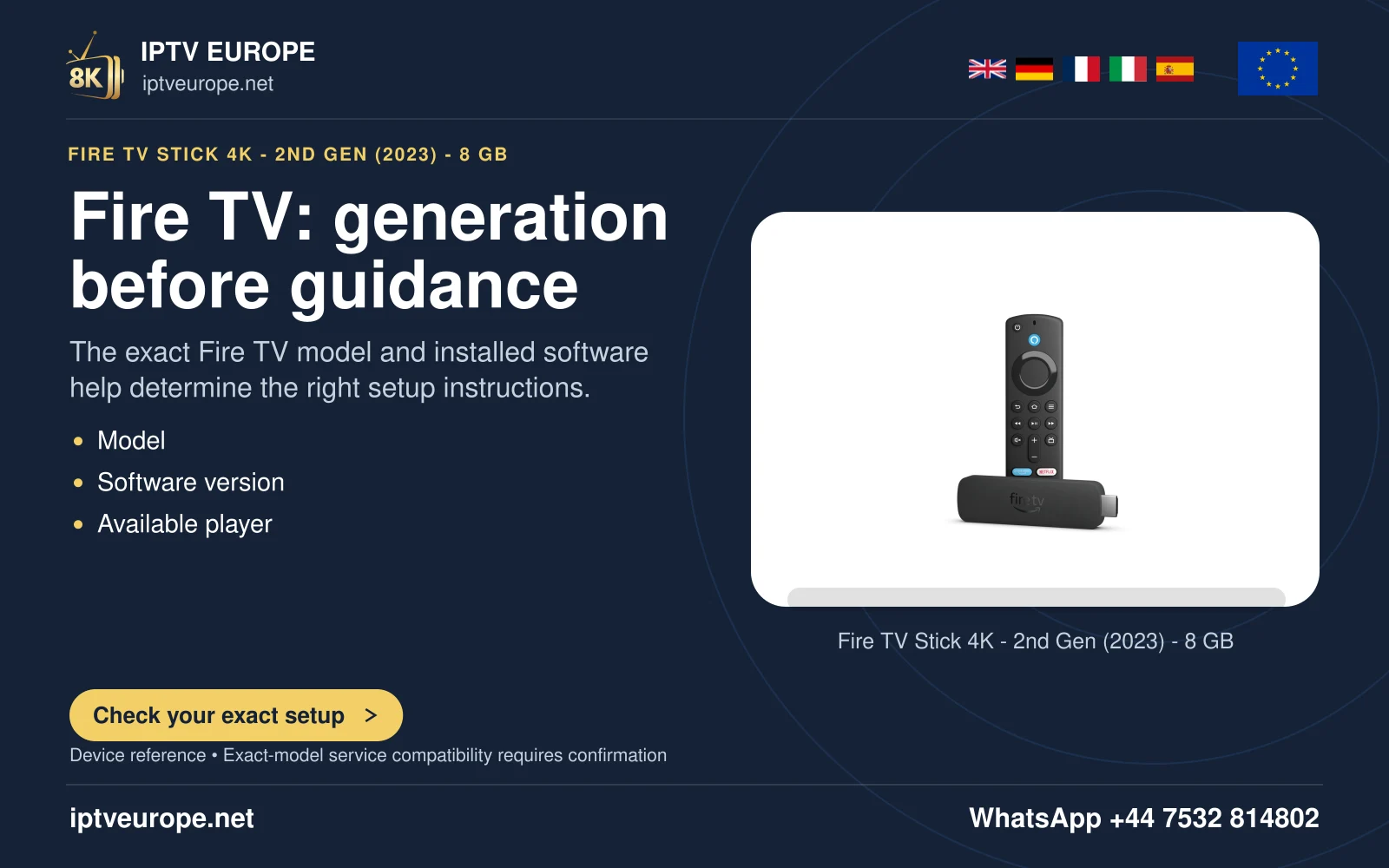
Prepare the actual setup controls
VoiceView is Fire TV’s screen reader. Amazon documents its use during supported first-time setup, after the physical remote has paired. It explicitly says the Fire TV phone app is not supported during first-time setup, so prepare the supplied remote before relying on an accessible setup route.
Connect the device to the television and its intended power supply, select the correct input and place the remote within reach. Keep sound at a comfortable level so the pairing and VoiceView cues can be heard.
Activate and learn the spoken route
Amazon documents holding Back and Menu for two seconds to start VoiceView in the described setup. It is also available through Settings, Accessibility, VoiceView. Follow the spoken tutorial when first activated rather than skipping directly into an unfamiliar app.
Navigation speech identifies the focused item. Practise moving one item at a time and deliberately selecting it. Hearing a programme title does not mean playback has started, and hearing a purchase option does not mean it should be activated.
Use the app as a complete journey
Test finding a programme, starting it, pausing, opening track controls and returning to the previous screen. A readable Home Screen is only one part of the task. Missing labels on playback controls can prevent independent use even when the catalogue is spoken correctly.
VoiceView also has a Review Mode for inspecting more on-screen text. Use the current Amazon guide for its gestures. Keep that exploratory task separate from activating the focused control.
Separate interface speech from programme narration
A screen reader speaks navigation and interface text. A programme’s audio-description track describes action within the video and depends on that title’s available tracks. Enabling VoiceView cannot prove that a programme contains audio description.
If asking a publisher for accessibility help, describe the exact screen, unlabeled control and action you needed. This guide follows Amazon’s documentation; it is not a hands-on accessibility assessment of a player or a promise that every Fire TV implementation has identical behavior.
Questions answered
Can I rely on the phone app during first setup?
Amazon states that the Fire TV app is not supported during first-time setup.
Does VoiceView add audio description to a film?
No. Interface speech and a programme’s audio-description track are separate features.
Sources & further reading
Official references for the subjects discussed. Service terms and device software can change.