
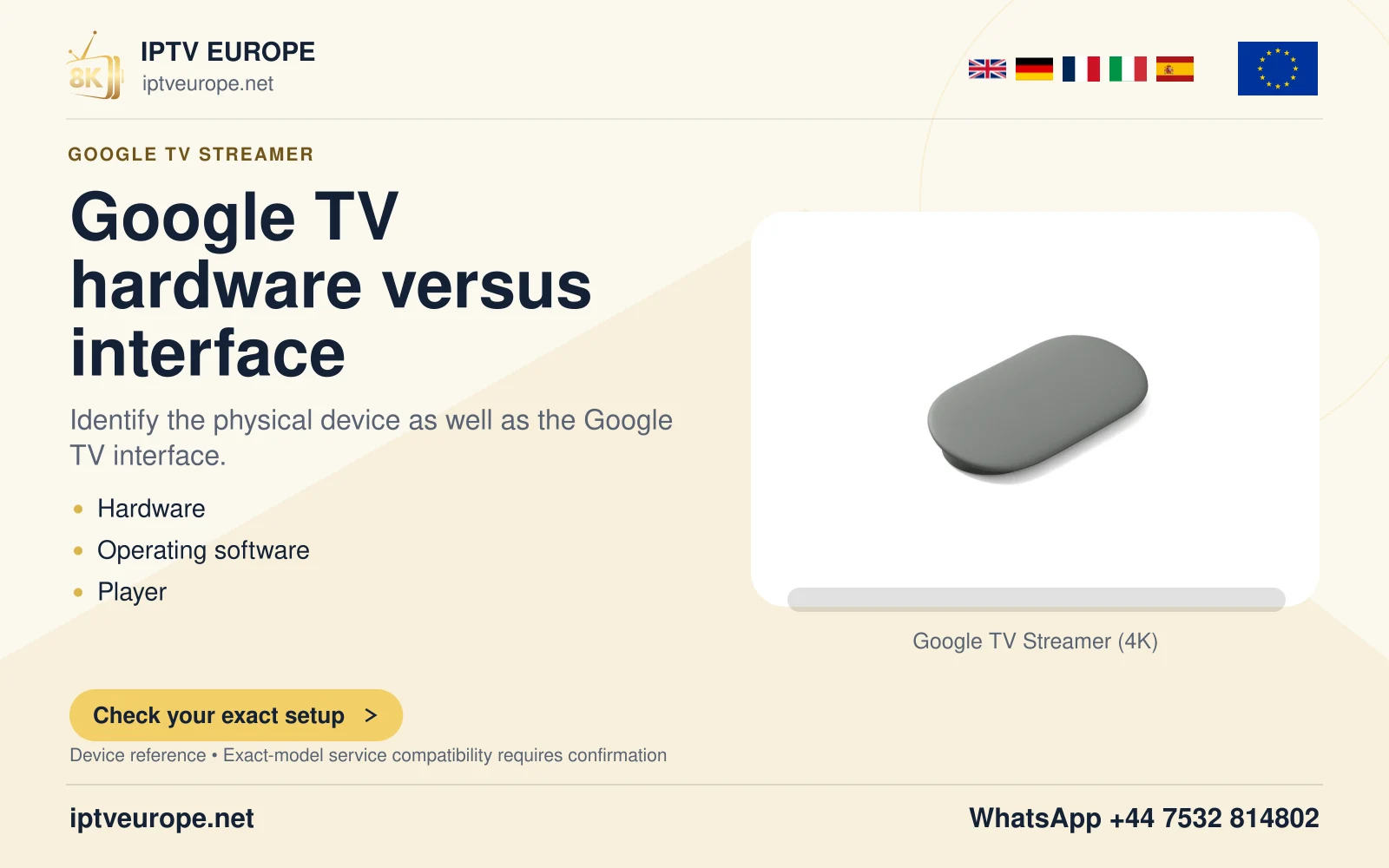
The device and platform
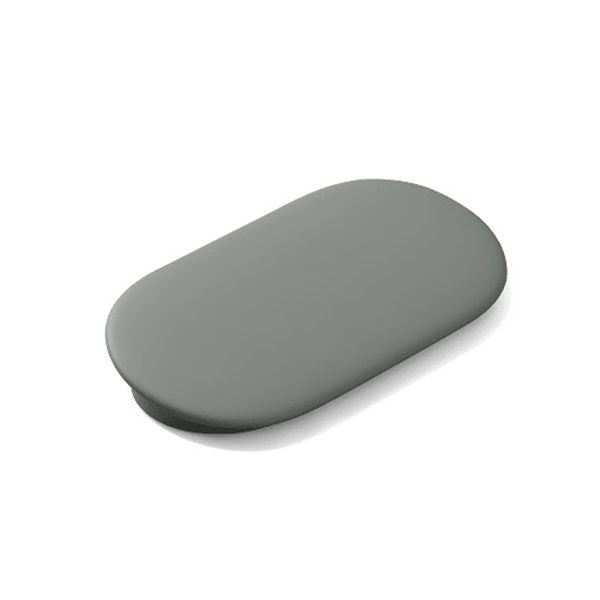
Device setup precedes service setup
A Google TV Streamer that has not reached its home screen is not yet at the player-configuration stage. Start with the physical display and power route, then the remote, network and account prompts. This sequence prevents a disconnected television input from being mistaken for a subscription problem.
Google provides both a Google Home app route and an on-screen setup route. The phone-assisted route requires the appropriate Home app and a compatible phone or tablet. A person without that phone route should follow Google’s actual television instructions instead of substituting another product’s tutorial.
Prepare the connections
Have an HDMI display, the required HDMI cable, the supplied power arrangement and a secure network ready. Google’s setup documentation specifies an HDMI 2.1 Ultra High Speed certified cable sold separately. Check the actual package and the manufacturer’s current instructions rather than assuming every required cable is included.
Connect to the selected television input and power the Streamer. If a receiver or soundbar is part of the route, retain that connection information. The television should show the Streamer’s setup screen before any third-party application or private service access becomes relevant.
Check ordinary remote control before adding a player
Confirm that directional navigation, selection and returning to the home screen work. Then configure any supported volume and power controls through the device’s own instructions. Playback navigation and television volume can involve different control paths, so report them separately if only one fails.
Install a player through Google TV’s actual application listing after the device setup is complete. Read the developer, television requirements and any charge. Enter only the source format documented for that player. The Google account used to install software is not automatically the service account used inside it.
Name the stage that is incomplete
A first-use report should say whether the television shows no image, remote pairing does not finish, the network connection fails, Google account setup stops or an installed application fails later. These descriptions lead to different instructions.
Once a player and source are configured, test one short authorized item and its essential controls. If the device setup succeeded, retain that fact when describing a later playback error. Repeating a complete factory setup is a much broader action than investigating one application.
Questions answered
Can I configure the player before the Streamer has completed its own setup?
Complete the device’s display, remote, network and account setup first.
Must I use a phone for every setup route?
Google documents both Google Home app setup and a television/remote route. Follow the route offered for the actual device.
Is the Google account the same as the player’s service login?
Not necessarily. Store and device accounts are separate from access supplied for a particular service.
Sources & further reading
Official references for the subjects discussed. Service terms and device software can change.