
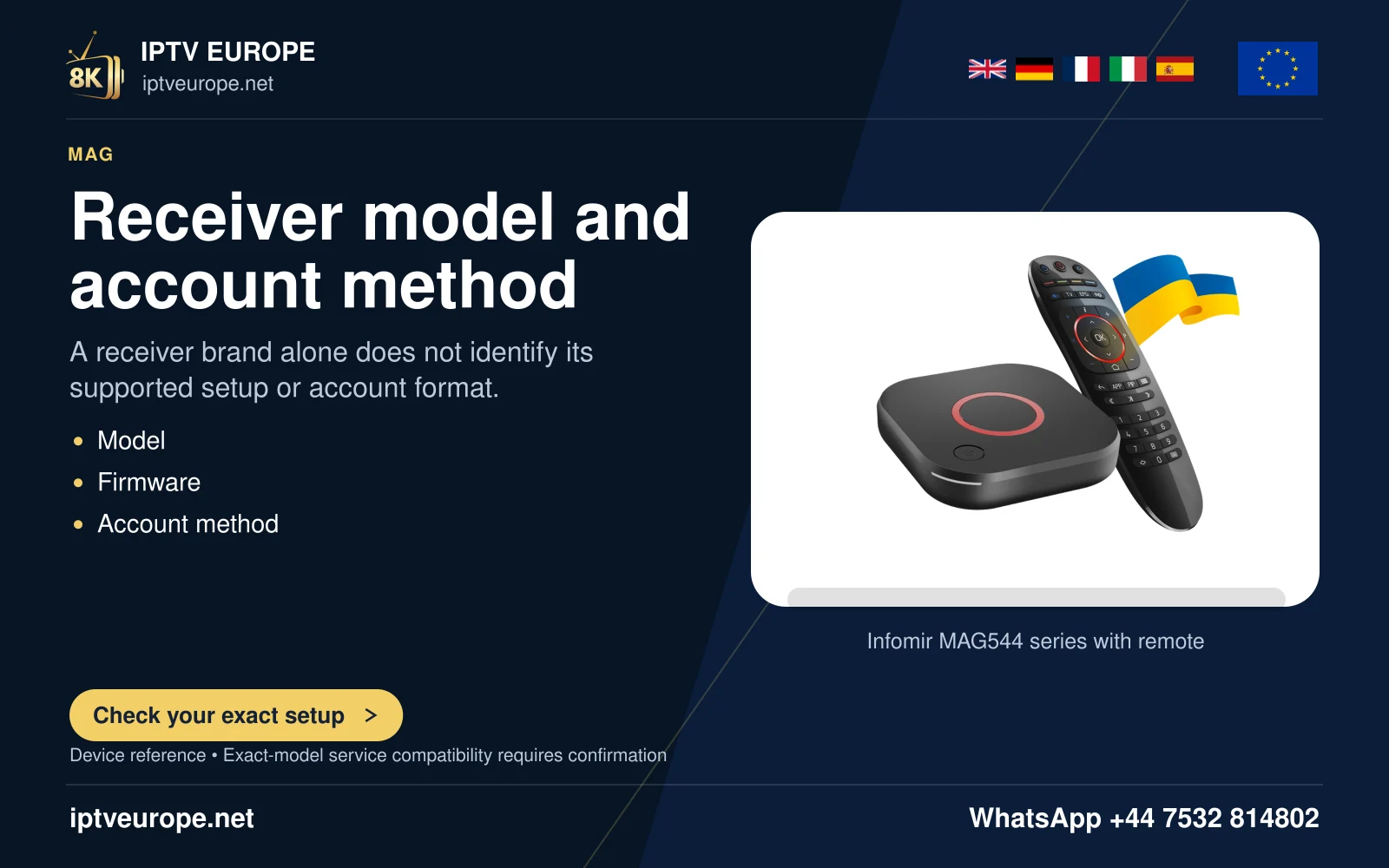
Before installation
- Exact MAG model, firmware and network connection.
- Provider-approved portal/provisioning information supplied privately.
The documented route
- Confirm model and software in the device information menus against MAG5xx documentation.
The Linux/WebKit device is identified correctly.
- Use Infomir’s matching network settings instructions and confirm network access.
The device has a working local connection.
- Apply only the provider-approved portal configuration in the documented portal settings.
The device loads the intended portal when authorized.
- Check a short playback sample and EPG time, then record any exact portal/network error.
Provisioning, network and playback errors are distinguished.
When something differs
- Do not publish a MAC address or portal token in screenshots.
- An authentication/provisioning error needs provider-side checks; reinstalling an Android APK is irrelevant.
- Firmware must match the exact model and manufacturer instructions.
Player & service information
Official player-source guidance · Request a one-day trial · Setup support
Questions answered
Does installing a player activate service access?
No. Software installation and service access are separate. Use the source format supported by the chosen app and the details confirmed for your own account.
Should I use instructions for another platform?
Use the exact operating system and model. A similar brand name or product image does not make package formats and app stores interchangeable.
Sources & further reading
Official references for the subjects discussed. Service terms and device software can change.