
Install the television product
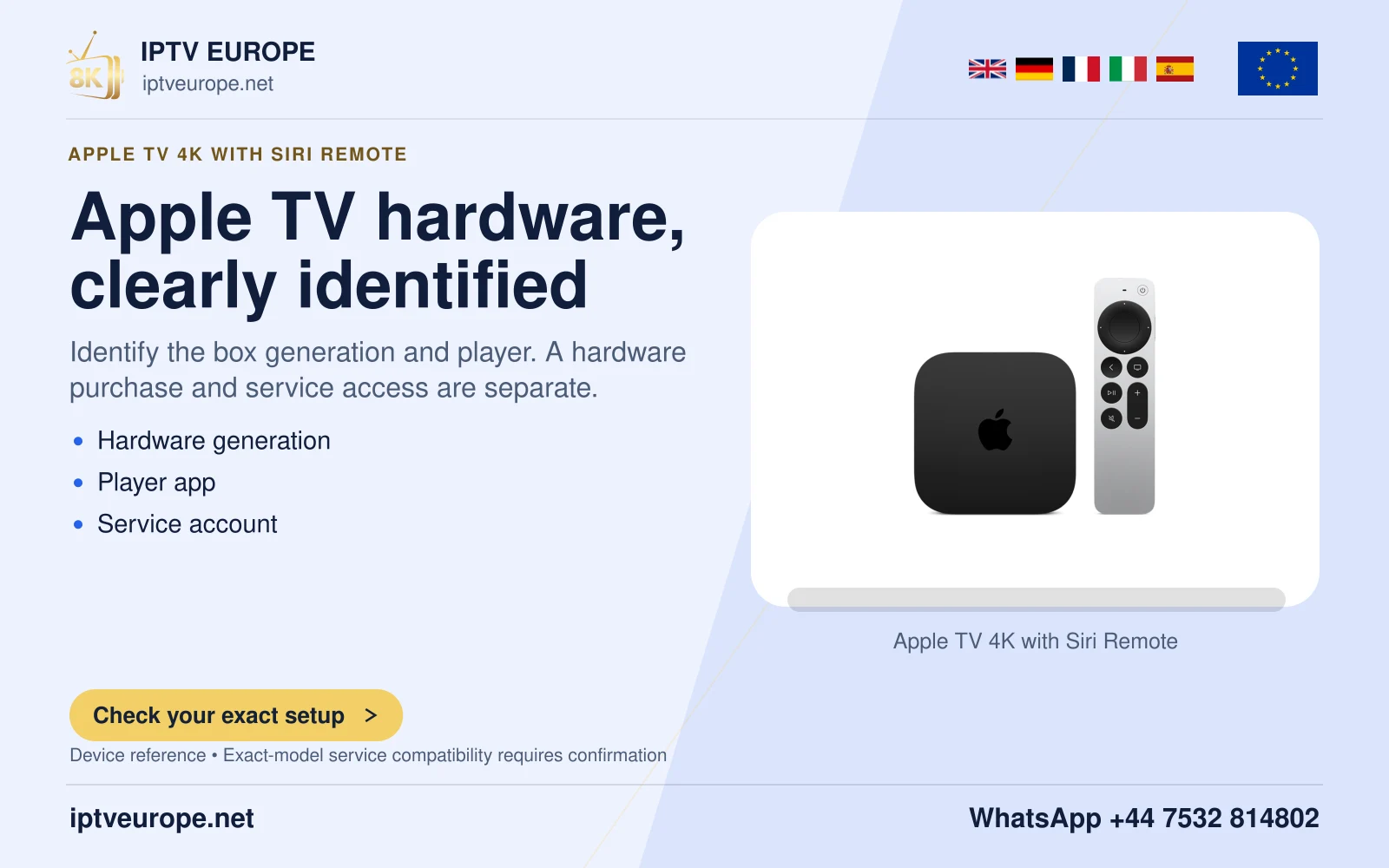
Use the genuine VideoLAN distribution for Apple TV and the actual tvOS App Store listing. Apple TV hardware that supports adding apps is a prerequisite; an iPhone application listing is not a substitute for a television installation route. Read the publisher and current device requirements.
VideoLAN describes VLC for Apple TV as free and open source. That software licence statement does not provide a media subscription or turn another service’s credentials into a supported login. Determine the actual source method before entering private details.
Distinguish a file server from a direct stream
VideoLAN documents network streams and file-server routes, including local-network media access. A file server provides a location or library, while a direct media URL identifies the intended network resource. The correct controls and credentials depend on that source.
Know which device holds the files and whether the Apple TV has legitimate access. If discovery does not reveal a server, record that stage separately from selecting a visible file that later fails to play. A visible server name and a playable item are not the same result.
Remote Playback is not every kind of casting
VideoLAN also describes a web interface and a Remote Playback function for media supplied through another device’s browser. This is a VLC-specific workflow. It should not be confused with an app’s AirPlay control or with the claim that any protected service page can be sent through it.
Use the web address and instructions displayed by the actual installed application. Do not publish a private local address or access page as a workaround for a source that the service has not authorized. The source’s format and permissions remain relevant whichever interface supplies it.
Test one route before adding another
Choose the legitimate source you intend to use and complete one ordinary playback task. Check picture, the needed audio or subtitle choice, and navigation back to the source list. Record the path that succeeded.
If a file-server item works but a separate network stream fails, retain both observations. Do not replace the working server configuration just to repeat the failing stream. Similarly, a mobile app playing an item does not prove that the tvOS client implements the identical account or media route.
Keep the support question attached to the source
A useful report names Apple TV hardware, tvOS and VLC versions, whether the source is a server, direct stream or Remote Playback input, and what happened. Include the visible message without sharing account credentials or private media URLs.
When a particular service requires another official application, use its supported route rather than promising that one player accepts every account. This guide explains VideoLAN’s documented media options; it does not establish an IPTV Europe account test on Apple TV.
Questions answered
Is VLC Remote Playback the same as AirPlay?
No. It is a VLC-specific web/browser workflow and should be identified separately.
Does the free software licence supply subscription access?
No. Media access and service terms remain separate from the player’s software licence.
Does a visible server prove that every file will play?
No. Server discovery and actual media playback are separate results.
Sources & further reading
Official references for the subjects discussed. Service terms and device software can change.