
The device and platform
Identify the complete product name
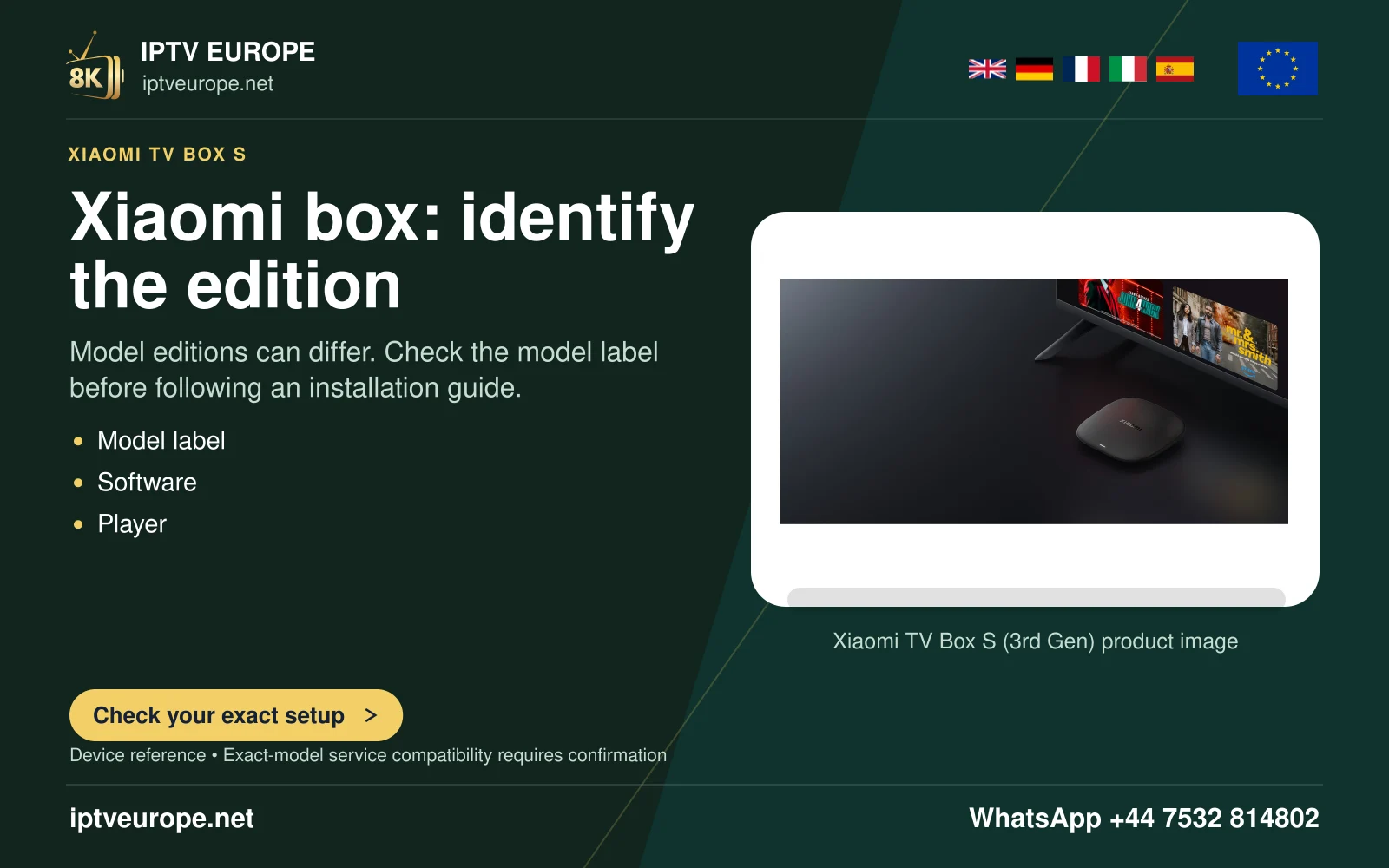
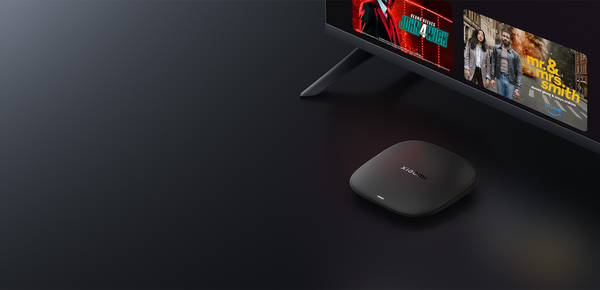
Xiaomi TV Box S (3rd Gen) is a Google TV device. Xiaomi lists 2 GB RAM, 32 GB ROM, a single USB 2.0 port and one HDMI 2.1 connection. Its published output is 4K, with decoding up to 60 frames per second at that resolution. These facts identify this generation; they should not be copied to an older Mi Box S or to a similarly named streaming stick.
Read the device’s About information and the label on the hardware before following a tutorial. Retain the model privately with the installed software version. The advertised memory and storage are different resources: RAM is working memory, while storage holds the system, apps and saved data. The quoted storage capacity is not a reading of the free space available on your unit.
Connect the display before choosing an app
Use the box’s HDMI output with a compatible television input, connect its power supply and complete the device’s own first-use prompts. Check that the television is on the corresponding input. Seeing Google TV is a useful first milestone because it separates a basic power or display problem from a later player problem.
If the television or an intermediate receiver supports only part of a desired picture or audio mode, the whole route needs consideration. Do not use the HDMI version printed in a product list as proof that every programme will be 4K, HDR or surround sound. The source, application and connected equipment still determine the playable combination.
Install through the television app route
From Google TV, use Apps or Search to find the intended application. Read its developer identity, television support and any displayed charge before installation. A listing for an Android phone is not evidence of a remote-friendly Google TV version. When a listing is available for the actual device, install it and verify that the remote can reach its principal controls.
VLC’s publisher documents Android TV support, making its own Android page a genuine place to investigate that software. This does not prove that VLC accepts every service’s account format. Use the chosen player’s documented network, playlist or login controls and the access supplied for your own account.
Plan the USB use deliberately
The specification lists one USB 2.0 connection. If you intend to use local storage, a keyboard or another peripheral, consider that single physical connection rather than assuming the port layout of a larger box. A supported local file and an internet stream are different tests; opening one does not establish the other.
Begin with a short item whose source and permission are clear. Check picture, audio and subtitle controls, then check programme-guide information separately if the actual player provides it. Record the point where a failure begins. A media list that loads successfully but contains an unplayable item gives different evidence from an app that cannot be installed.
Resolve the specific mismatch
If the desired app is missing, compare the current device listing, account region and developer’s minimum requirements. If installation succeeds but the remote cannot operate the app, check whether the listing is genuinely for television use. If video begins but the output is wrong, examine the actual source and display path before changing account details.
For help, provide the complete third-generation model name, installed software, player and version, the selected item and the exact message. A generic “Xiaomi box” description can lead to advice for another generation. Keep credentials and the full private playlist address out of public screenshots.
Questions answered
Does the 32 GB figure mean 32 GB is free for apps?
No. System software and existing data occupy storage. Read the free-space value on the actual box.
Can I follow any Mi Box S installation video?
Only when it matches the actual model, software and application. The product names cover different generations.
Does its 4K specification establish a programme’s source resolution?
No. The specification describes device capability; source resolution and the working playback path are separate.
Sources & further reading
Official references for the subjects discussed. Service terms and device software can change.