
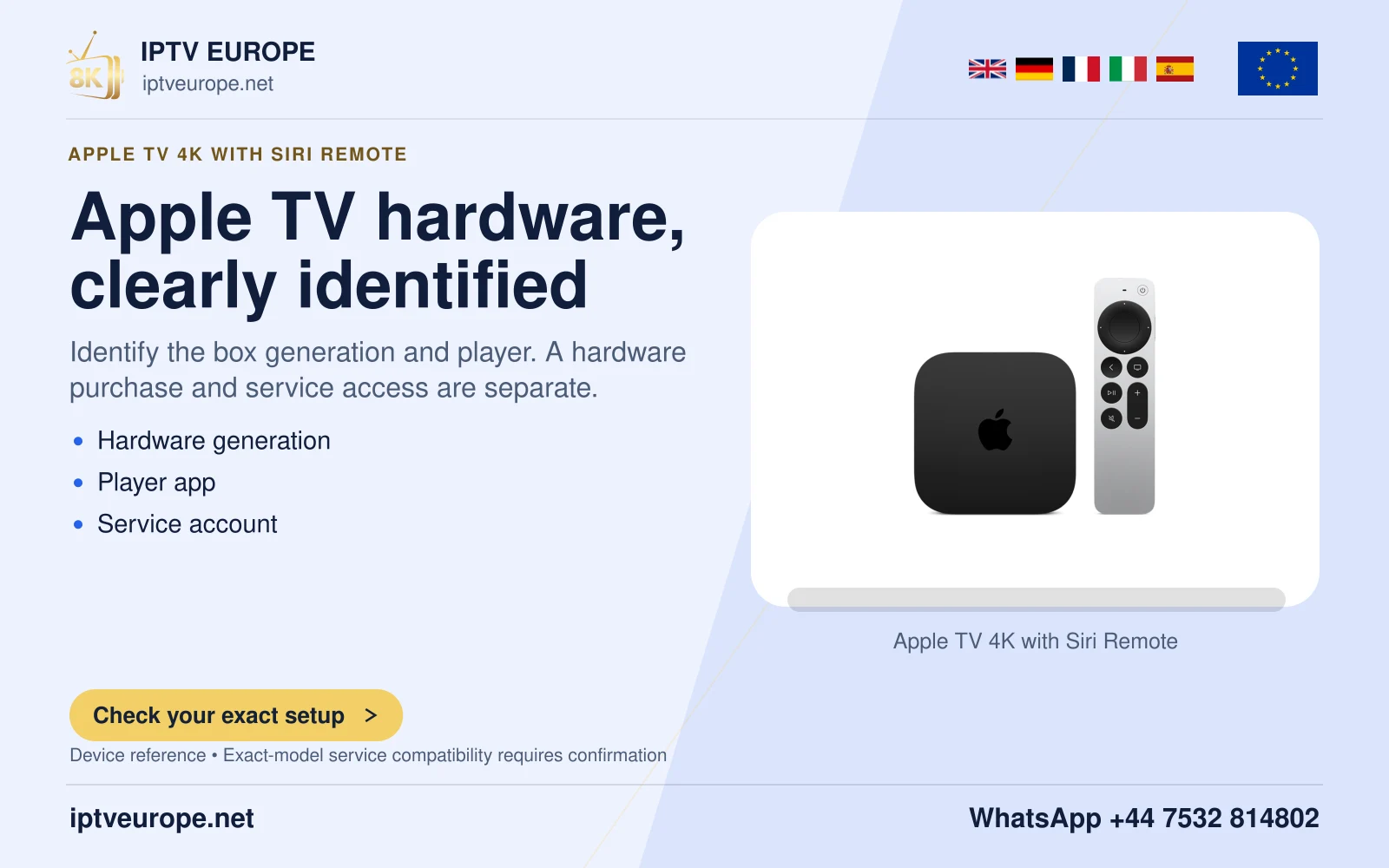
Follow the command to its destination
Moving through Apple TV menus and changing television volume can use different command paths. A remote can navigate the box while volume control fails at the television or receiver. That result does not automatically indicate a lost Apple TV pairing.
Apple documents separate Learn Remote and Volume Control learning features. The first lets a universal infrared remote control Apple TV. The volume-learning route concerns the TV or receiver. Identify which device should become louder before changing either configuration.
Check the appropriate path
For infrared volume, keep a clear path to the equipment’s sensor and point the remote appropriately. A cabinet door or an obstructed soundbar sensor can affect that command even when navigation remains responsive. Test with the equipment’s original remote to establish that its own volume works.
For HDMI-CEC control, consult the television or receiver manual and confirm CEC is enabled for the connected route. Apple notes that some receivers use this method for volume. CEC does not depend on the same line-of-sight behavior as infrared.
Learn only the missing function
Where manual volume setup is required, Apple provides Settings, Remotes and Devices, Volume Control, Learn New Device. Follow the on-screen prompts with the original equipment remote available. Check volume up, volume down and mute afterwards.
Keep a record of the target equipment and method that worked. This prevents the next household member from pairing the Siri Remote repeatedly for a problem that belongs to an independent volume-control route.
Questions answered
Should I use Learn Remote or Learn New Device for volume?
Apple distinguishes navigation learning from the Volume Control > Learn New Device route. Follow the prompts for the missing function.
Sources & further reading
Official references for the subjects discussed. Service terms and device software can change.