
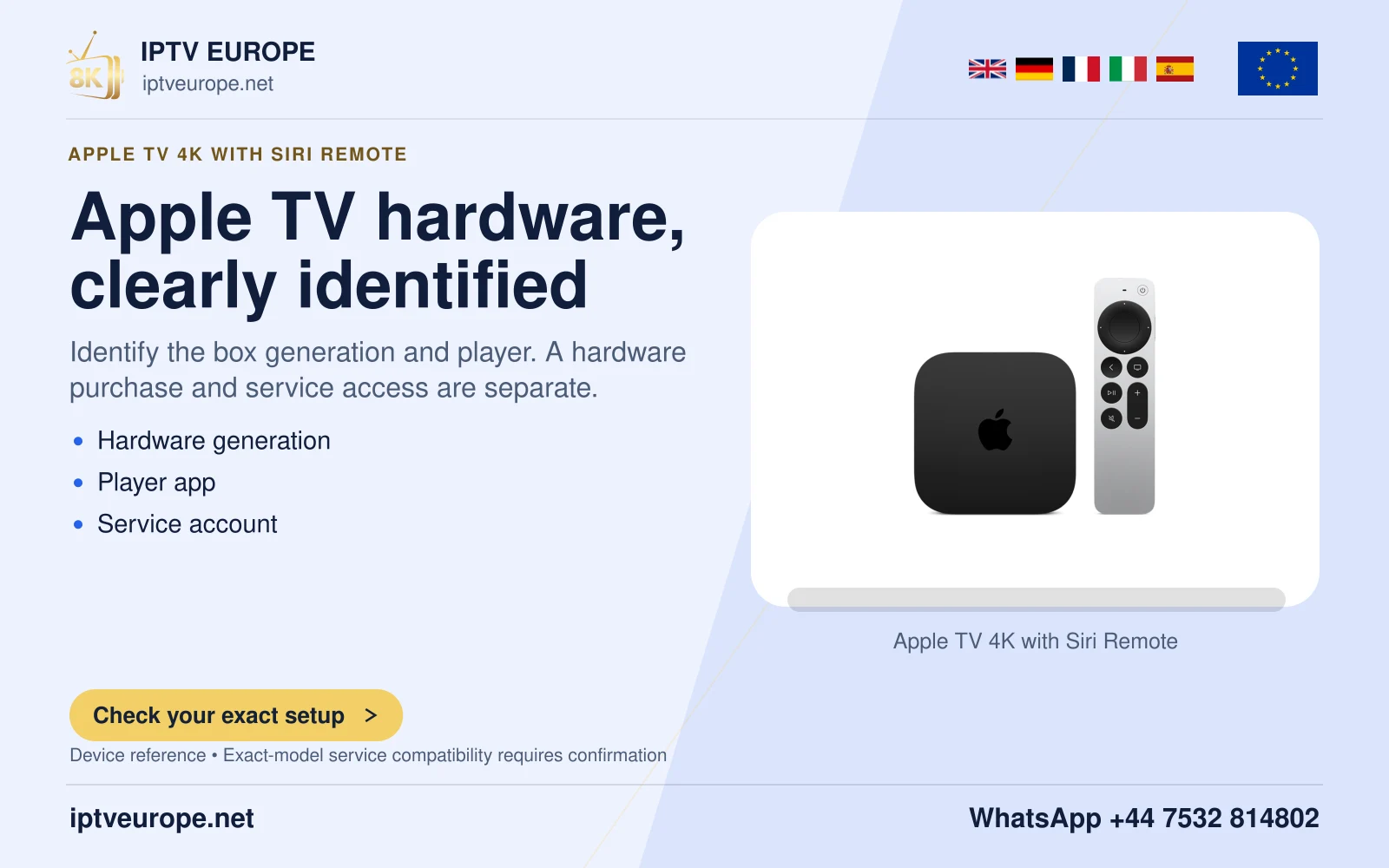
A device passcode does not describe every app
Apple TV’s Restrictions controls can limit specified purchases, content and settings through a four-digit passcode. Apple also warns that these restrictions may not apply to apps downloaded from the App Store. An enabled device passcode is therefore not enough evidence that every programme inside another player is restricted.
Write down the actual goal: preventing an accidental purchase, limiting a rated catalogue or controlling access to a particular viewing profile. These goals may belong to different controls and should be checked individually.
Review the two layers
Inspect Settings, General, Restrictions for device choices. Then open the specific app’s documented parental or profile controls. Use a harmless test that exercises the intended boundary without making a purchase or exposing unsuitable content to a child.
For example, confirm that a protected settings page requests authorization and that the app starts in the intended profile. Do not treat a hidden tile as proof of a working access restriction; the relevant question is whether the protected action can be completed.
Keep the recovery plan private
Store passcodes in the household’s chosen private place. Apple notes that switching Restrictions off and on retains the configured choices, so distinguish temporarily disabling the layer from erasing all its preferences.
Review the arrangement after an app or system update that changes profiles or controls. This documentation-based explanation does not certify a household safety configuration; it identifies the specific checks needed to establish what each layer actually does.
Questions answered
Do Apple TV Restrictions automatically control every App Store app?
Apple says they may not. Review the individual app’s controls.
Is hiding a programme tile the same as requiring a passcode?
No. Visibility and authorization are different behaviors and need different checks.
Sources & further reading
Official references for the subjects discussed. Service terms and device software can change.