
Check both ends before searching
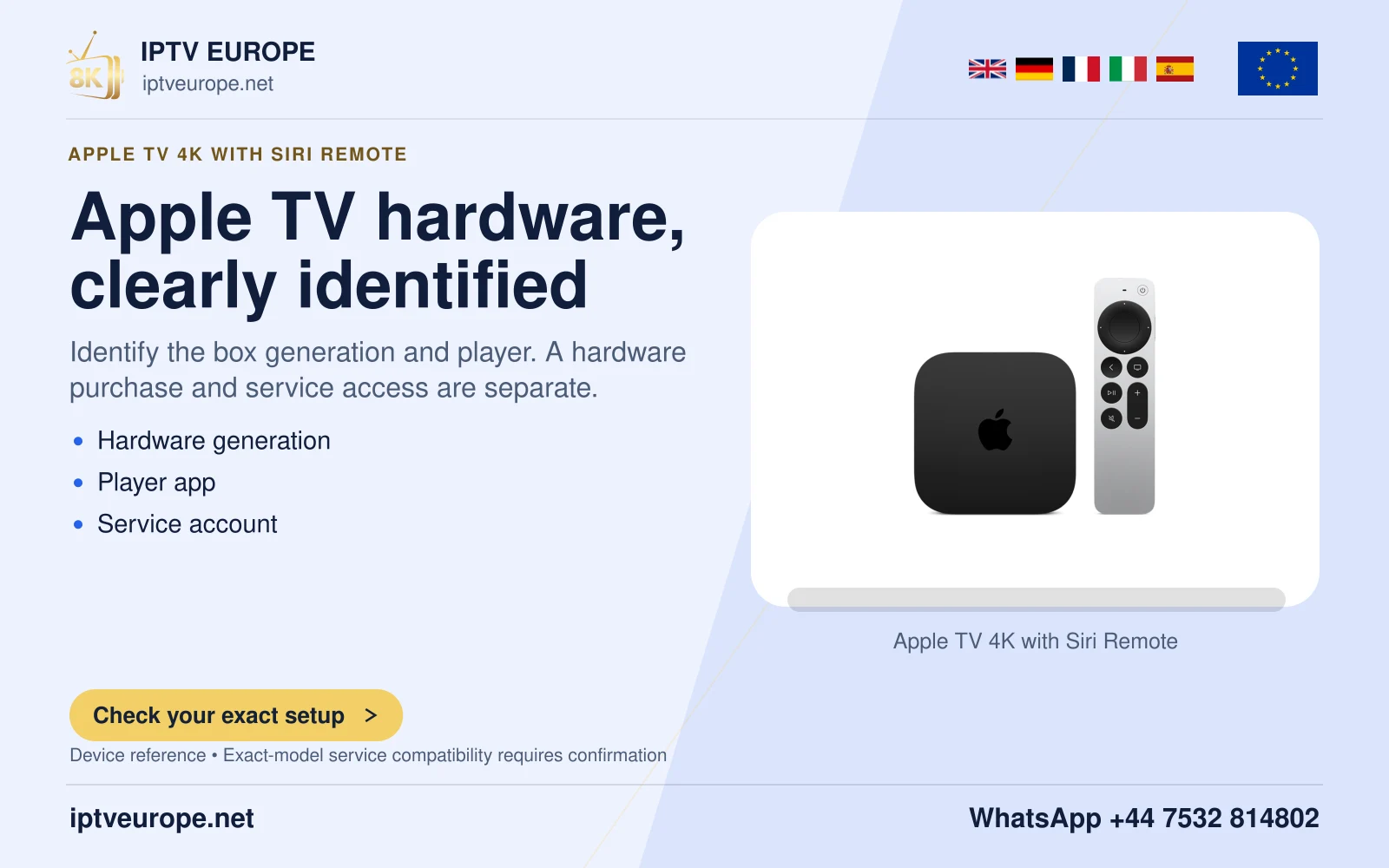
Apple documents iPhone-based finding for the Apple TV Remote or Siri Remote second generation or later, using an iPhone with iOS 17 or later. A phone being able to control Apple TV does not establish that every older remote supports the finding feature.
Identify the remote generation from its purchase or model information if it is known. Keep that distinction in mind when Find is absent; repeatedly opening the Remote control panel cannot add a missing hardware feature.
Use the correct Apple TV entry
On iPhone, open Control Center, enter Apple TV Remote, select the Apple TV name and choose Find for its remote. In a home with more than one box, check the selected room before walking around. Finding the wrong remote can otherwise look like inconsistent guidance.
Follow the on-screen proximity cue and move around as instructed. Apple describes the dot growing as you approach, accompanied by distance wording. Treat it as a guide to nearby searching, then inspect the surrounding cushions, shelf or other likely position.
Distinguish finding from control
The iPhone can be a useful temporary controller while the physical remote is misplaced, but that role and proximity finding are separate features. Once the remote is recovered, check its ordinary buttons and battery information rather than assuming a lost remote needs a new pairing.
This is a guide to Apple’s documented finding feature. It does not promise a map location or a successful search in every physical condition. The practical result depends on having the supported remote and phone in a usable nearby setup.
Questions answered
Does this find the first-generation Siri Remote?
Apple specifies second generation or later for this route.
Should I expect a street-map location?
Apple describes nearby proximity guidance with a changing dot and distance text.
Sources & further reading
Official references for the subjects discussed. Service terms and device software can change.