
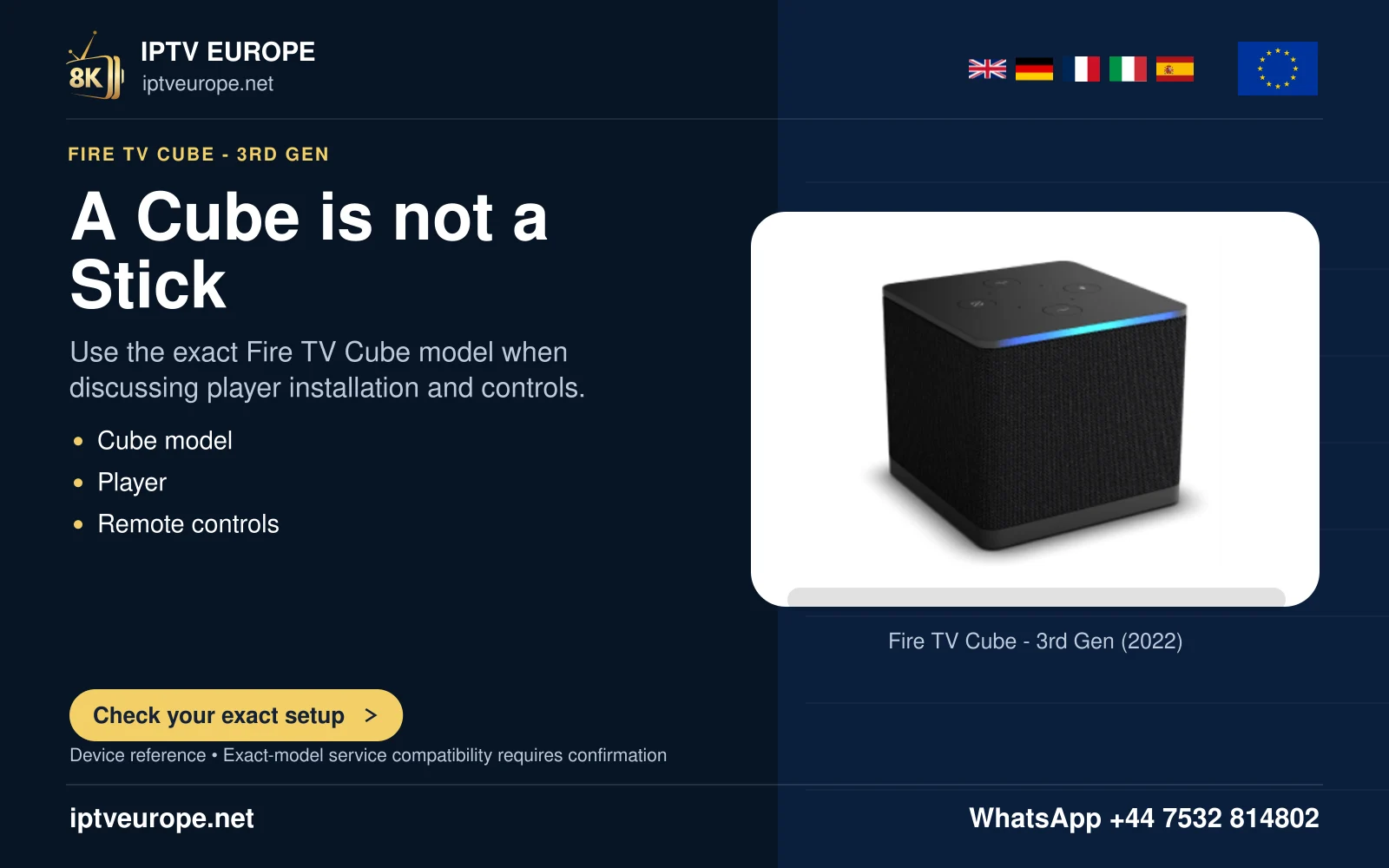
The microphone is a hardware distinction
Amazon’s Equipment Control guidance describes Fire TV Cube’s built-in microphone and a compatible Fire TV remote’s Alexa Voice button as different command routes. A Stick with a voice remote should not be described as acquiring the Cube’s hands-free microphone.
This matters when the household wants to change volume without picking up a remote. Identify which device is expected to hear the command, not simply which Fire TV is connected to the screen.
Test the documented route
For button-operated control, use the compatible remote’s voice action. For a supported hands-free arrangement, follow the actual device’s instructions. Confirm the equipment target and command separately: TV power, receiver volume and app navigation are different actions.
If the command is recognized but the equipment does not respond, inspect Equipment Control compatibility and setup. If the command is not captured at all, investigate the microphone route before changing the receiver’s audio format.
Keep product claims scoped
Amazon also lists specific television models with their own hands-free features. Those lists are not proof that every Fire TV-branded television or remote supports the same behavior.
Before buying, record the intended hands-free task and compare the exact hardware’s documentation. This prevents a convenient voice feature on one device from becoming an unsupported promise for the whole product family.
Questions answered
Does an Alexa button mean the Stick itself has a microphone?
No. The remote microphone and Cube’s built-in microphone are different hardware routes.
Does voice recognition prove soundbar control is configured?
No. Recognition and the target equipment’s response are separate stages.
Sources & further reading
Official references for the subjects discussed. Service terms and device software can change.