
Start with the direction of the sound
ARC and eARC let a television send audio back over an HDMI connection. In this Apple setup, sound from another device attached to the television can travel through a compatible Apple TV 4K and play on HomePod speakers. That is a different job from simply hearing an app running on Apple TV.
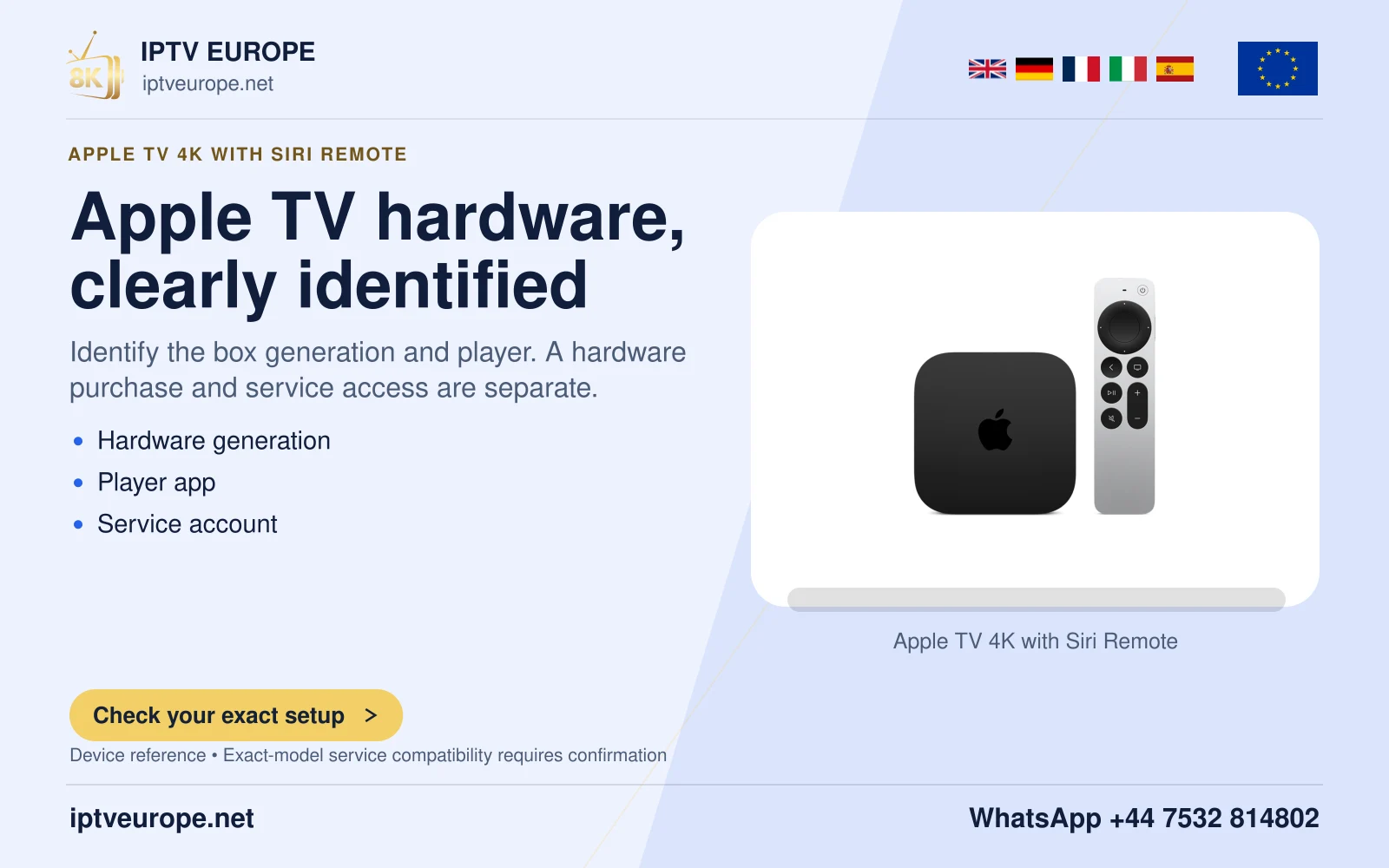
Apple documents this reception feature for Apple TV 4K second generation or later, a supported ARC/eARC television and HomePod or HomePod mini. Identify the box generation first. A working Apple TV picture proves that HDMI video reaches the screen; it does not establish the television’s audio return path.
Build the return path
Connect Apple TV to the television input marked for ARC or eARC, using the television’s manual to identify the correct socket. Set the HomePod speaker or pair as Apple TV’s default audio output. In Apple TV Settings, open Video and Audio, Audio Output, then Audio Return Channel and select Play Television Audio.
Check the resulting state: Apple’s interface distinguishes On (ARC) from On (eARC). Record the state actually shown rather than labelling every successful connection eARC. The TV may also need its own ARC/eARC and HDMI-CEC options enabled. Those controls belong to the television and can use manufacturer-specific names.
Verify the external input
Choose the television input for the other connected source and play a short familiar item. Confirm that the sound comes from the intended HomePod setup. Then return to Apple TV playback. These are two separate checks because a default HomePod output can work for the box while return audio from the television remains unconfigured.
If Apple TV cannot select HomePod as the default output, Apple first asks you to check their room assignment in the Home app. If external-input audio fails while Apple TV apps work, concentrate on the labelled return port and the television’s audio routing rather than entering service credentials again.
Preserve the limits of the test
A successful stereo programme does not prove that every surround format will work. The source soundtrack, television pass-through behavior and speaker capability still matter. HomePod mini and full-size HomePod should not be described as identical surround products.
For support, supply the Apple TV generation, TV model, return-port label, selected default output and the exact ARC/eARC state. Those details describe the signal route without exposing accounts or private network passwords.
Questions answered
Will this work on the first Apple TV 4K?
Apple specifies second-generation Apple TV 4K or later for this return-audio feature.
Why can Apple TV apps play through HomePod but another HDMI source cannot?
The default speaker route and the television’s ARC/eARC return route are separate checks.
Sources & further reading
Official references for the subjects discussed. Service terms and device software can change.