
Pairing one device is not the whole task
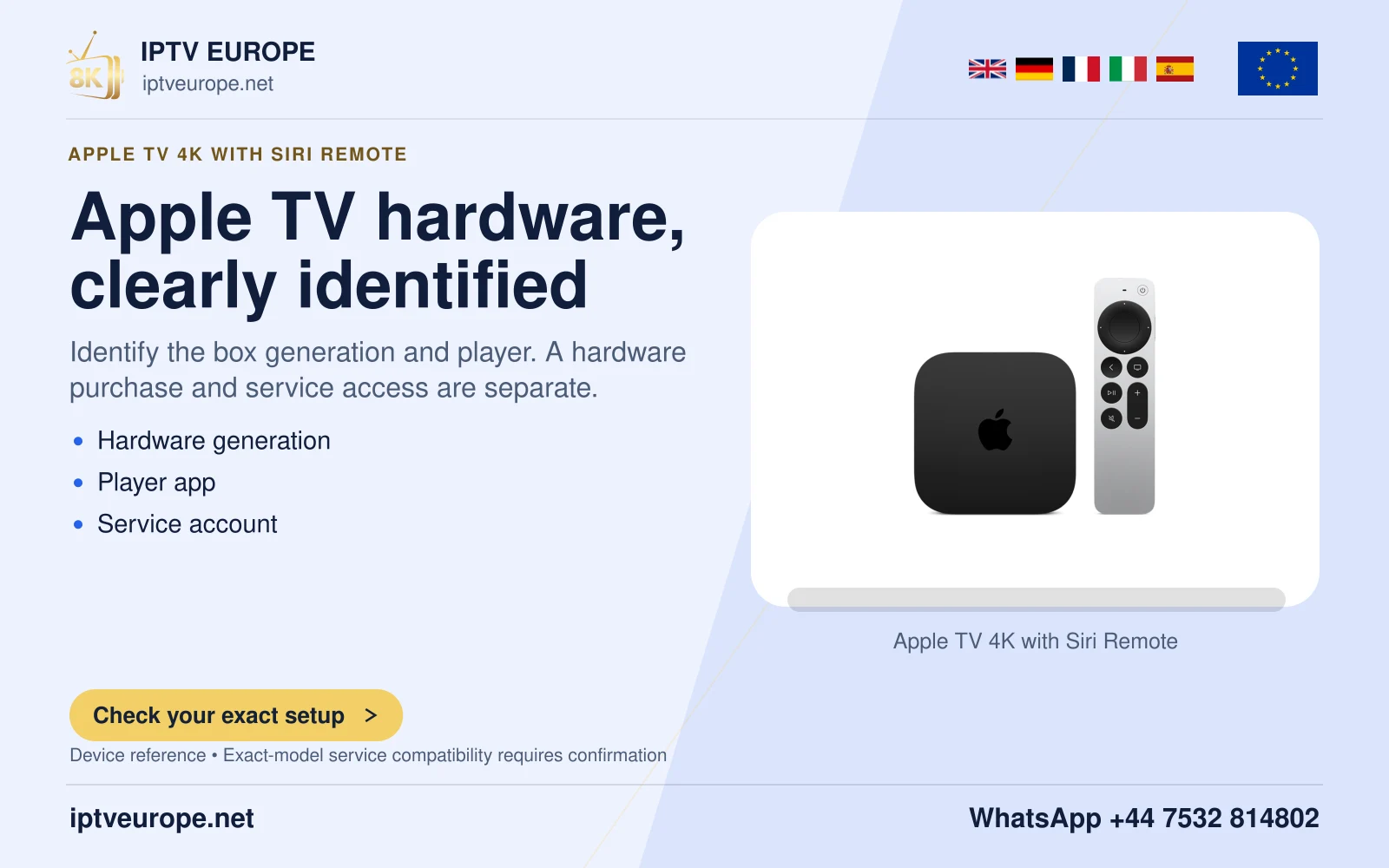
Apple TV 4K can share sound with two pairs of compatible Apple wireless headphones. Apple documents the feature for supported AirPods and Beats products. Two Bluetooth devices appearing in a list does not, by itself, establish that the pair supports simultaneous shared listening.
Before a film starts, identify both headphone models and check their current Apple compatibility guidance. Charge them and bring the second pair to the television. Keep an ordinary speaker option available so the household can recover easily if either pair cannot join.
Join the second listener from Control Center
With the first pair ready, hold the remote’s TV/Control Center button, move to the AirPods area and choose Share Audio. Follow the on-screen instructions for the second pair. Use the prompts for that product rather than applying a button sequence from a different headphone case.
Play a short spoken passage after both listeners have joined. Ask each person to confirm that they hear the same programme and can listen comfortably. This checks the practical outcome: two people hearing the intended soundtrack, rather than just two accessories being recognized.
Explain what was established
After the test, note the two headphone models, the Apple TV model and whether both remained connected through a pause and resume. These observations are useful when shared listening works initially but does not survive an ordinary viewing action.
This guide follows Apple’s documented Share Audio route and does not claim every Bluetooth headset is compatible. If the second product lacks support, use a documented alternative listening arrangement rather than treating repeated pairing attempts as a compatibility test.
Questions answered
Can I use any two Bluetooth headphones?
Do not assume so. Apple specifies compatible Apple wireless headphones for Share Audio.
Does the second viewer need another programme subscription?
Share Audio changes the local audio output. It does not describe or change any service account terms.
Sources & further reading
Official references for the subjects discussed. Service terms and device software can change.