
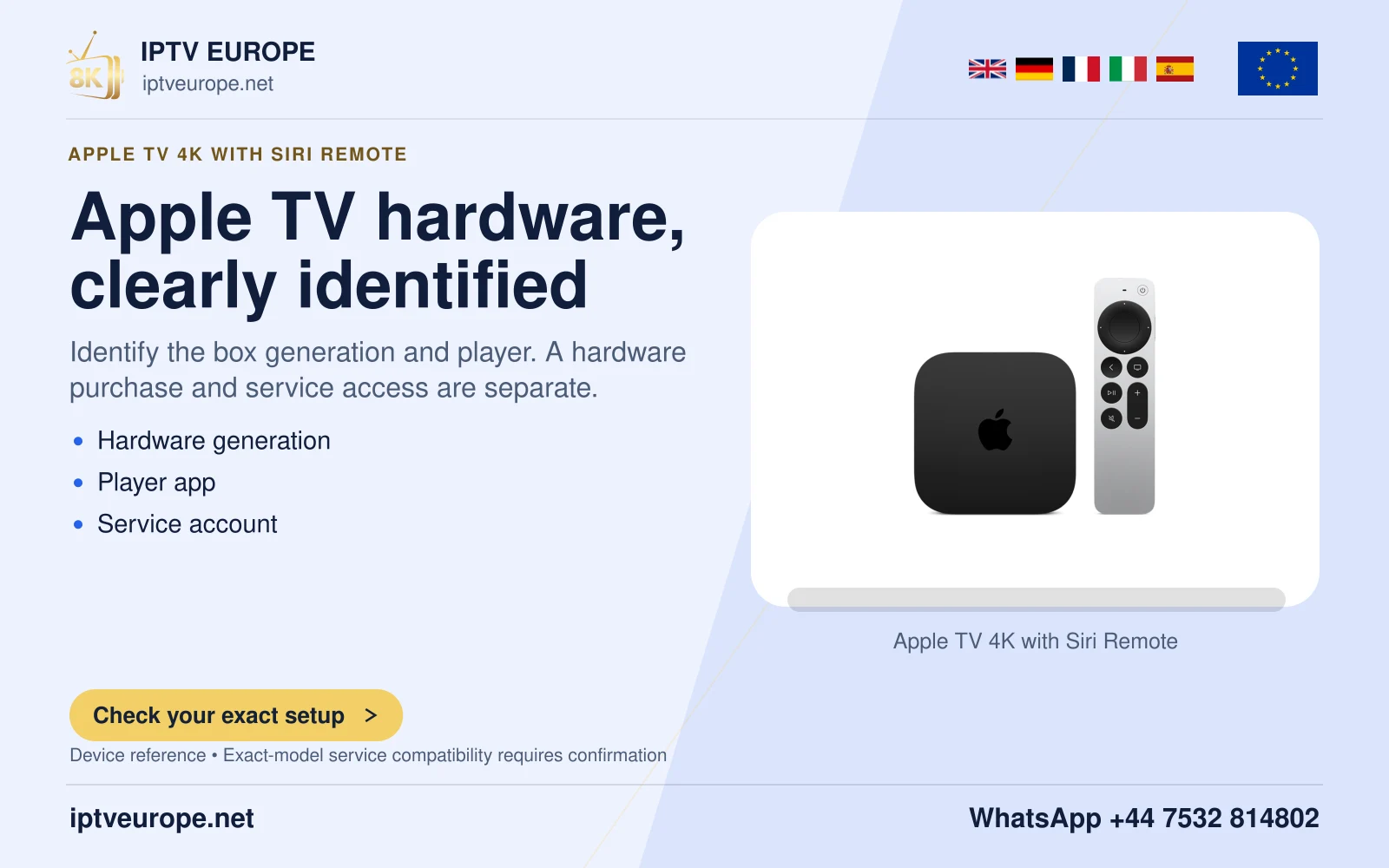
Make the interface speak before testing an app
VoiceOver reads Apple TV interface items aloud as you navigate. Enable it in Settings, Accessibility, VoiceOver. Begin on a predictable system screen, where you can establish how the remote moves focus and how selection works before adding an unfamiliar application.
Keep the television audible and start at a comfortable speech level. A household helper can describe the location of physical remote buttons without taking over every on-screen action. The useful goal is a repeatable route the viewer can perform independently.
Understand focus and exploration
Apple documents Navigation and Exploration modes. Navigation speaks the item as focus moves. Exploration lets the current choice remain selected while you inspect other screen text. A two-finger triple tap on the clickpad or touch surface changes between those modes.
This matters when a programme page contains a title, synopsis, play button and several secondary actions. Hearing a title is not the same as activating Play. Practise moving to an adjacent item, listening to its label and deliberately selecting it before using account or purchase controls.
Evaluate the viewing journey
Test one complete route: enter the app, locate a programme, start it, pause, find audio or caption options and return to the list. Listen for meaningful labels on each control. A player that reads its home screen correctly may still have inaccessible playback buttons.
When a control has no useful label, write down the screen and what action you were trying to perform. That is stronger feedback than saying the app “does not support accessibility.” It identifies the exact place where the independent journey breaks.
Keep different spoken features separate
VoiceOver describes interface focus. A programme’s audio-description track describes action within the story and depends on the available soundtrack. Enabling one does not establish the other. Check audio-description availability in the actual programme’s audio choices.
If speech becomes confusing, return to a simple system screen and confirm the current VoiceOver mode before changing several preferences. Preserve any speech settings that already work. This documentation-based guide does not represent a hands-on accessibility evaluation of third-party applications.
Questions answered
Does VoiceOver describe all action in a film?
No. Interface speech and a programme’s audio-description soundtrack have different purposes.
Does hearing an item activate it?
No. Hearing or highlighting an item is a separate action from selecting it.
Sources & further reading
Official references for the subjects discussed. Service terms and device software can change.