
Two resolutions describe different layers
Infomir’s Linux/WebKit embedded-portal documentation distinguishes TV System or Video output mode from Graphic Resolution. The first controls the display signal combination; the second controls how interface objects such as text and images are drawn.
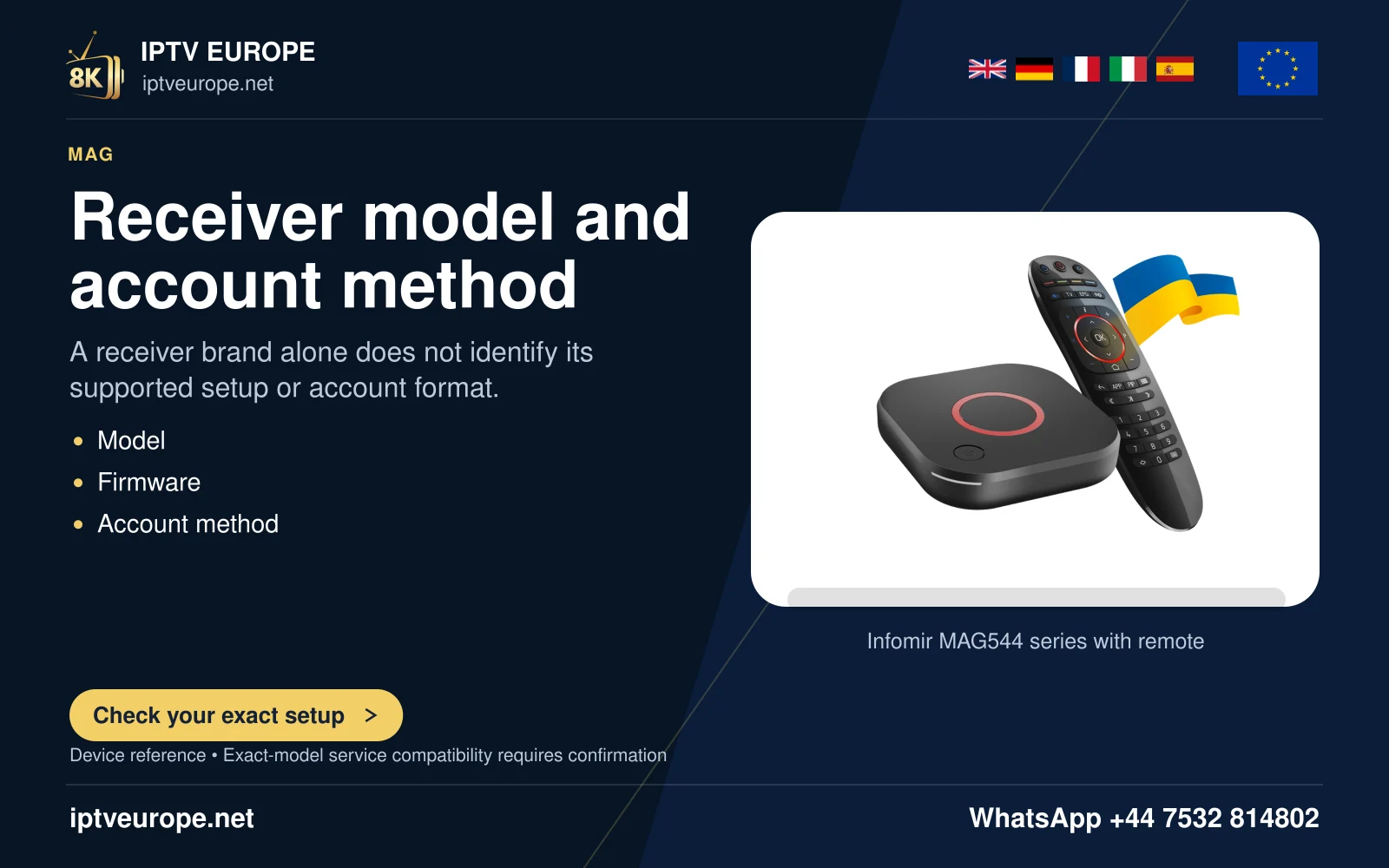
A sharp menu is therefore not proof of a native high-resolution programme. Conversely, a lower-resolution interface choice does not establish the encoded detail of every video. Identify the actual MAG model and firmware family before applying these Linux-portal instructions.
Choose a supported display mode
Check the television’s supported output combinations and the HDMI route. Open the documented System settings, Video area for the relevant embedded portal. Record the current Video output mode and Graphic Resolution before changing them.
Use Auto where the model supports it or a mode explicitly supported by the connected television. An output label such as 1080p includes more than image size; timing and scan behavior form part of the display combination.
Save and check the loaded interface
Infomir’s documented portal procedure saves the settings and can reboot the box. After it completes, inspect the normal loaded portal rather than judging only the startup logo. The boot stage can use a different display mode.
Check readable menus, complete edges and a known programme separately. Keep the source and app fixed while assessing the output. Changing a portal address does not establish whether the TV can display the selected mode.
Respect model-specific recovery
If the startup logo appears but the normal image does not, consult the exact model’s output and recovery guidance. Older bootloader and later recovery interfaces are not interchangeable. This guide does not provide a blanket firmware reset sequence.
Infomir’s source contains inconsistent PAL/NTSC labels in some lines, which are not repeated here. Use the television specification and exact-model manual for those legacy modes rather than propagating the ambiguity.
Questions answered
Does Graphic Resolution prove programme resolution?
No. It concerns interface drawing, while source video detail is separate.
Why can a boot logo work but the loaded portal fail?
Infomir documents different boot and normal software output modes.
Sources & further reading
Official references for the subjects discussed. Service terms and device software can change.